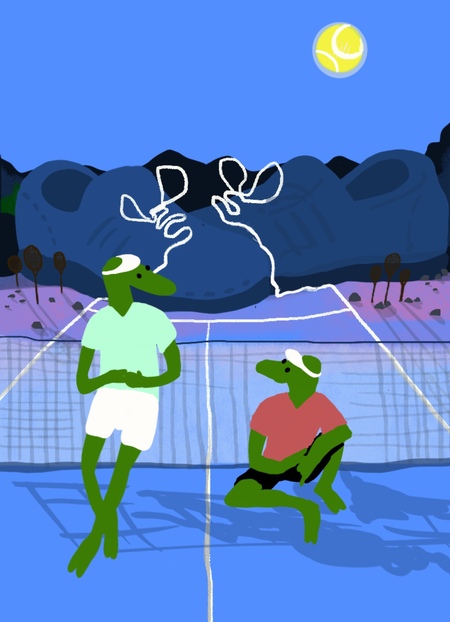
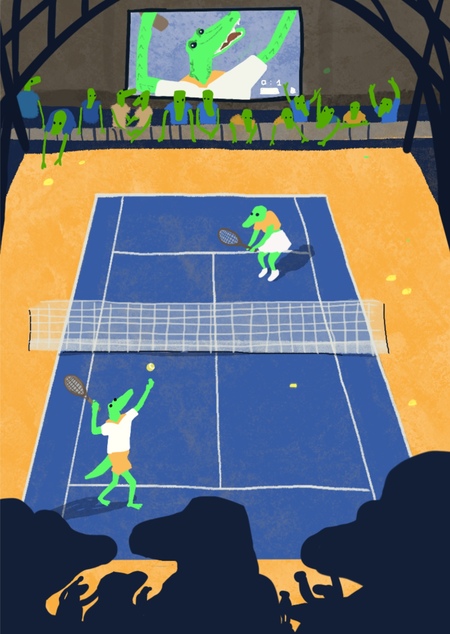
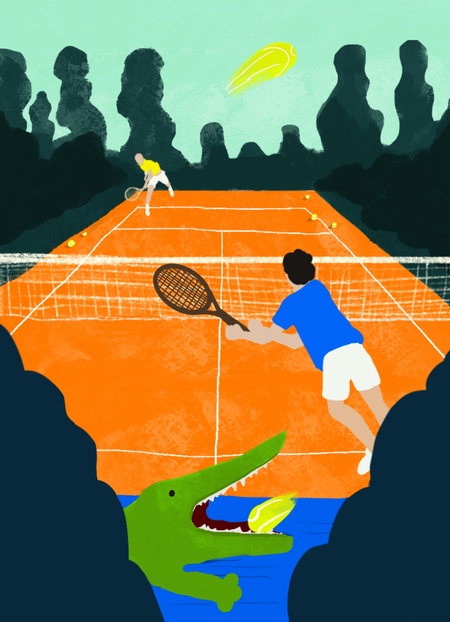
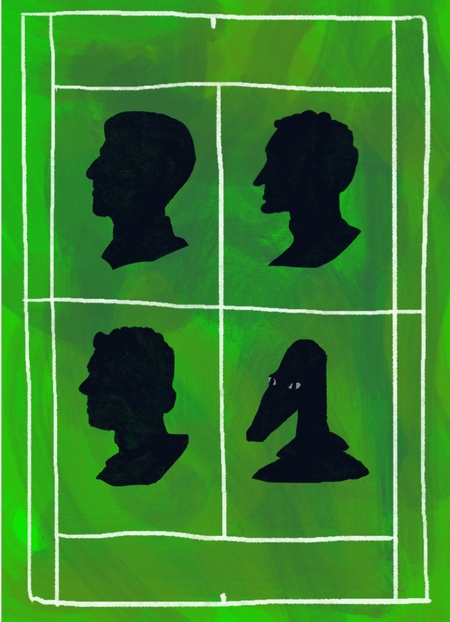
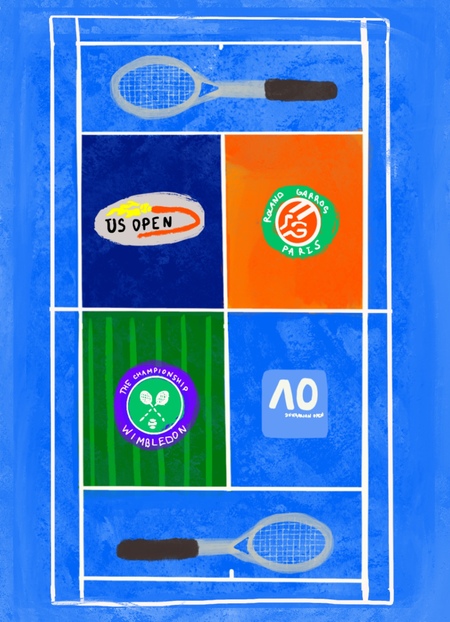
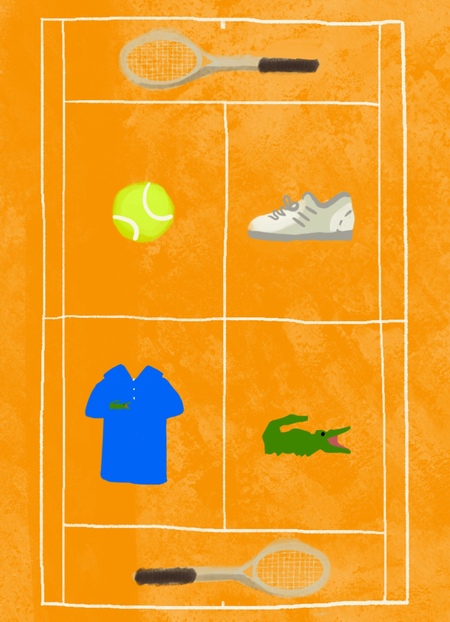
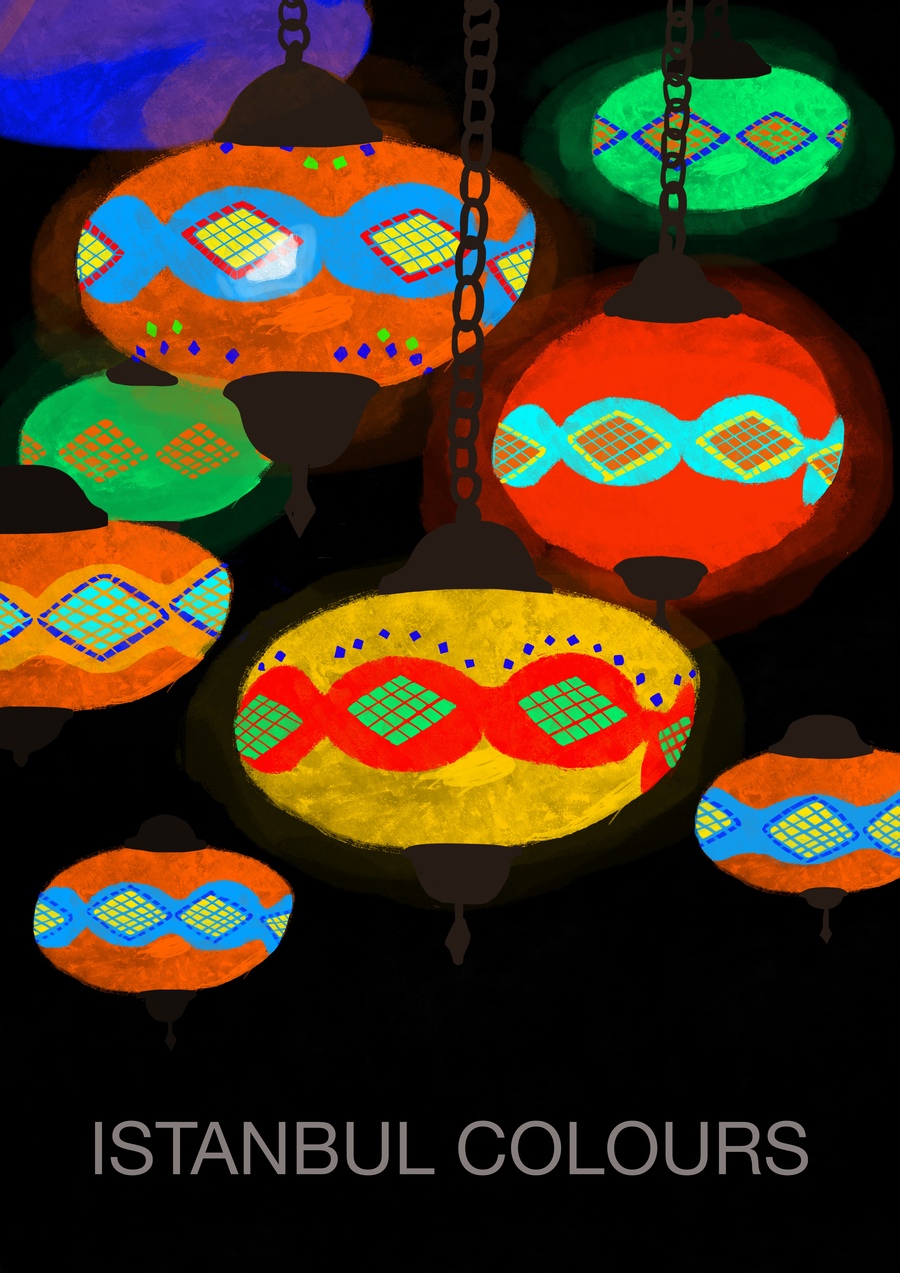
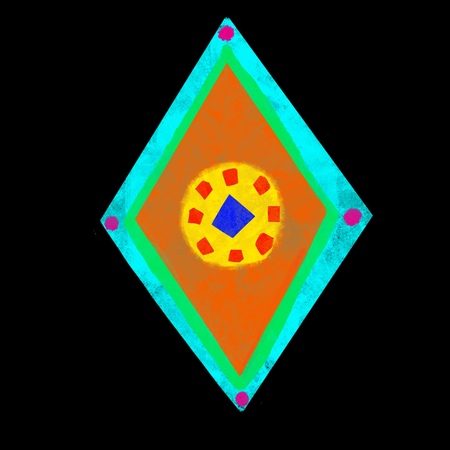
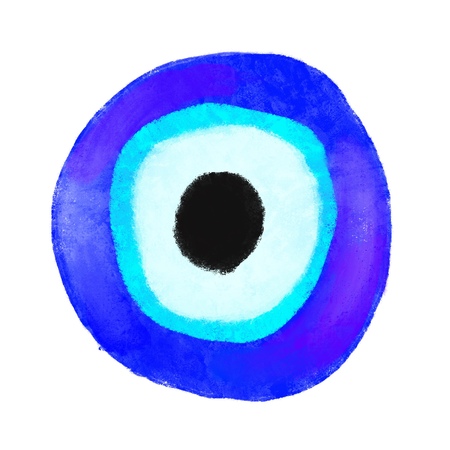
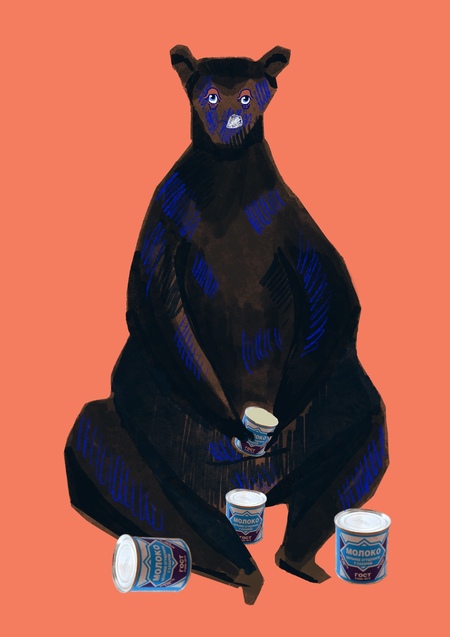
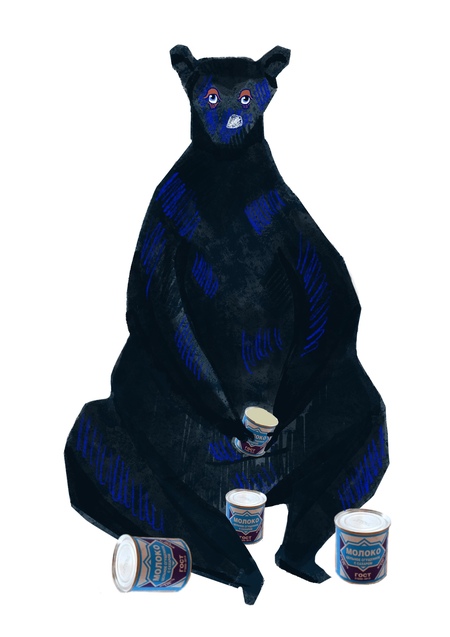
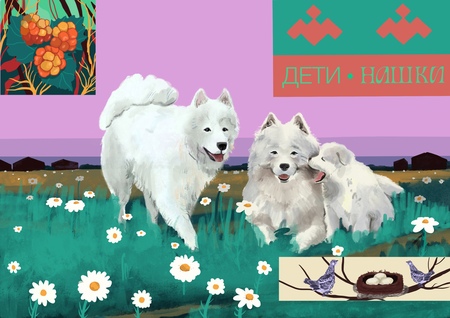
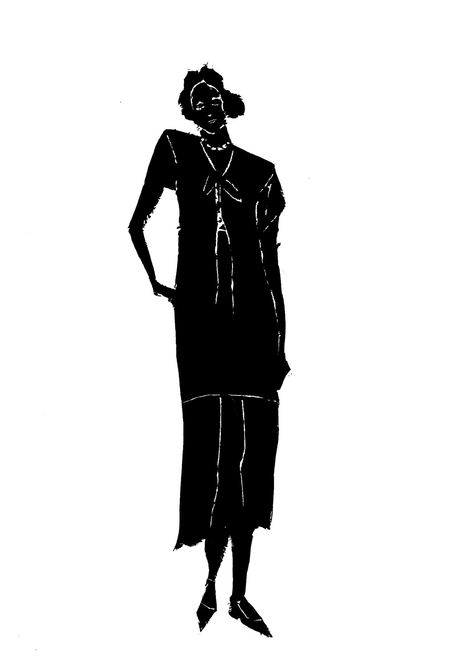
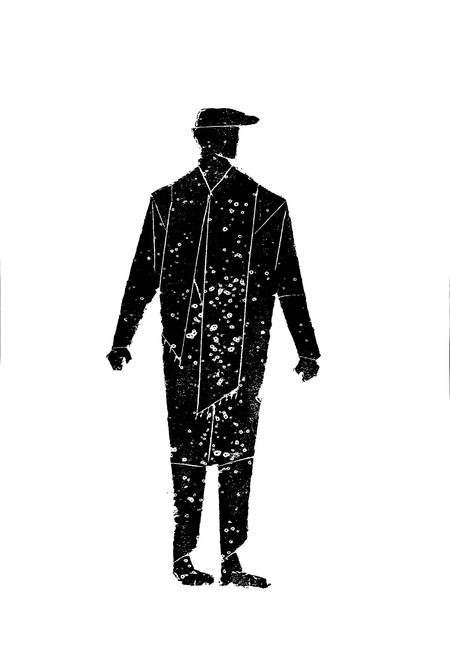
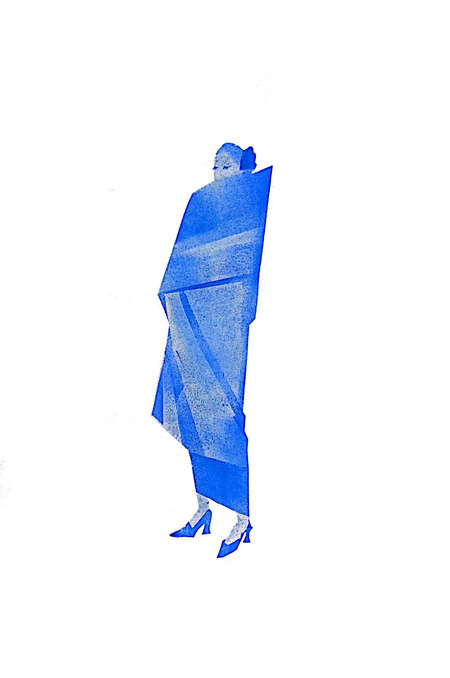
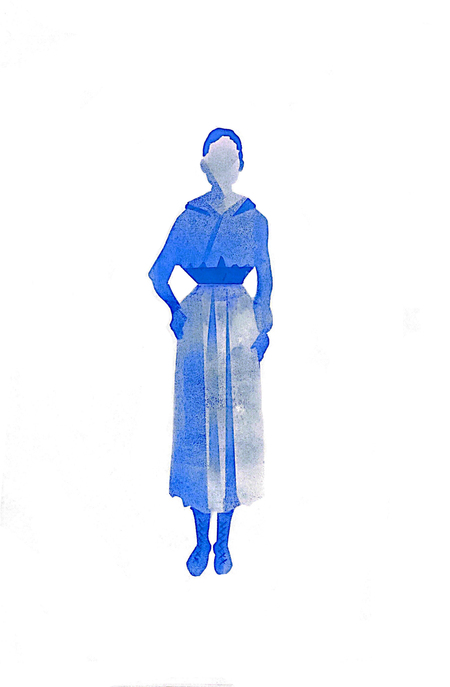
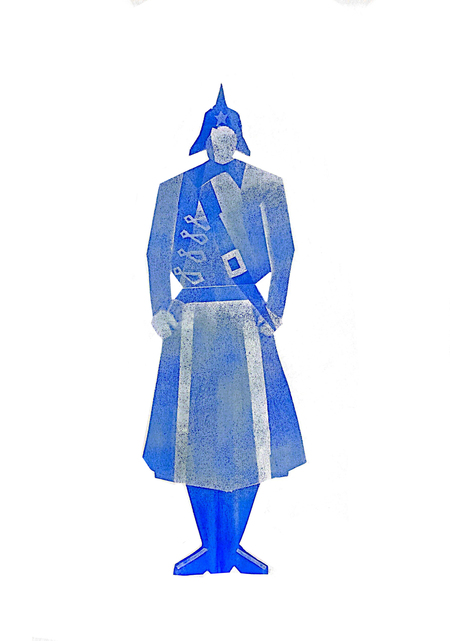
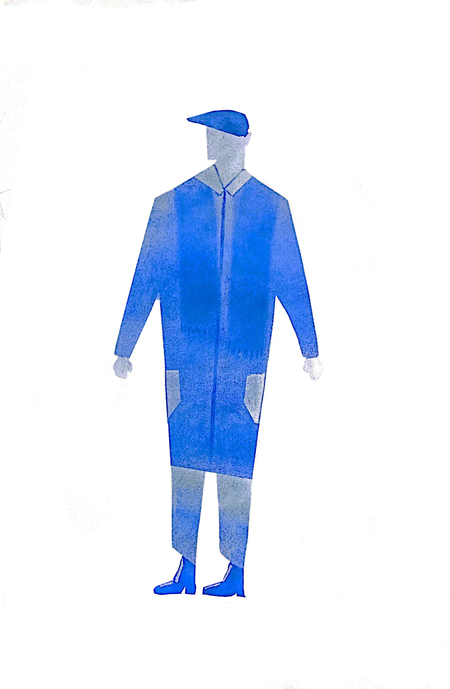
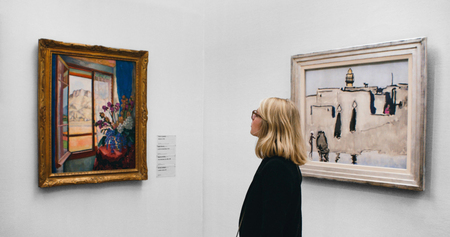
Татьяна Котова подготовила арт-проект «Майский маркет» в формате серии открыток и постеров. Проект включает в себя несколько серий, таких как «Турнир «Большого шлема»», «Стамбул» и «Силуэты», с указанием цен на отдельные элементы.
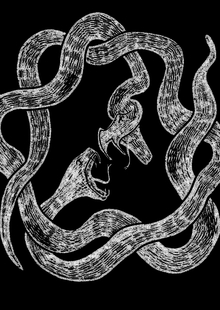
Дарья Ковальская создала проект «Яблоки, которые выглядят как груши», представляющий коллекцию странных игрушек и предметов интерьера с фантастическими образами. Проект включает в себя уникальные элементы, такие как лошадь в яблоках и двухголовая курица, выполненные в традиционных материалах и векторной графике.
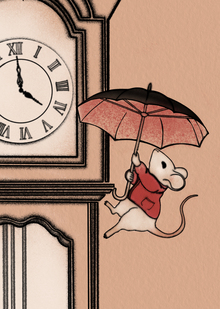
Рената Курляндцева создала иллюстративную айдентику для семейного отеля "Кошка и Скрипка". Проект включает в себя иллюстрации, вдохновлённые старыми английскими стишками и выполненные с чёткими контурами для перфорации.
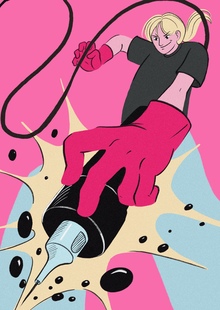
Арина Иванова создала комикс о личном опыте работы в индустрии татуировок. Проект включает в себя отражение эмоций и страхов, возникших в процессе обучения и практики.
A platform for professional growth in the creative industries. We bring together those who need new knowledge to start or develop a career, and those who are willing to use their knowledge to create and monetize original training courses.
We use cookies to improve the operation of the website and to enhance its usability. More detailed information on the use of cookies can be fo...
Show more
Press space bar to start a drag.
When dragging you can use the arrow keys to move the item around and escape to cancel.
Some screen readers may require you to be in focus mode or to use your pass through key
Press space bar to start a drag.
When dragging you can use the arrow keys to move the item around and escape to cancel.
Some screen readers may require you to be in focus mode or to use your pass through key
Press space bar to start a drag.
When dragging you can use the arrow keys to move the item around and escape to cancel.
Some screen readers may require you to be in focus mode or to use your pass through key
Press space bar to start a drag.
When dragging you can use the arrow keys to move the item around and escape to cancel.
Some screen readers may require you to be in focus mode or to use your pass through key
Press space bar to start a drag.
When dragging you can use the arrow keys to move the item around and escape to cancel.
Some screen readers may require you to be in focus mode or to use your pass through key
Press space bar to start a drag.
When dragging you can use the arrow keys to move the item around and escape to cancel.
Some screen readers may require you to be in focus mode or to use your pass through key
Press space bar to start a drag.
When dragging you can use the arrow keys to move the item around and escape to cancel.
Some screen readers may require you to be in focus mode or to use your pass through key
Press space bar to start a drag.
When dragging you can use the arrow keys to move the item around and escape to cancel.
Some screen readers may require you to be in focus mode or to use your pass through key
Press space bar to start a drag.
When dragging you can use the arrow keys to move the item around and escape to cancel.
Some screen readers may require you to be in focus mode or to use your pass through key
Press space bar to start a drag.
When dragging you can use the arrow keys to move the item around and escape to cancel.
Some screen readers may require you to be in focus mode or to use your pass through key
Press space bar to start a drag.
When dragging you can use the arrow keys to move the item around and escape to cancel.
Some screen readers may require you to be in focus mode or to use your pass through key
Press space bar to start a drag.
When dragging you can use the arrow keys to move the item around and escape to cancel.
Some screen readers may require you to be in focus mode or to use your pass through key
Press space bar to start a drag.
When dragging you can use the arrow keys to move the item around and escape to cancel.
Some screen readers may require you to be in focus mode or to use your pass through key