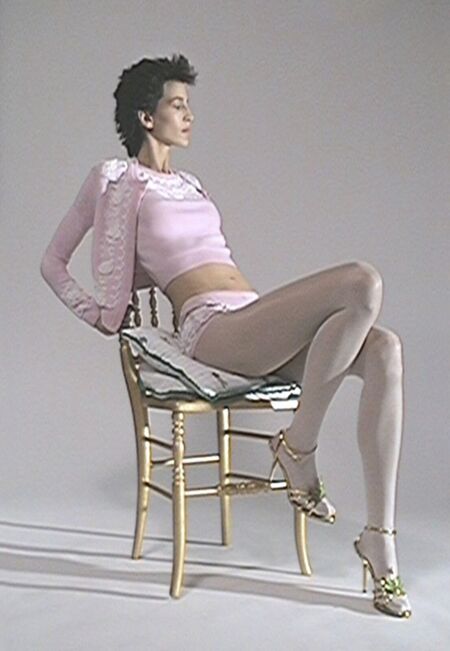
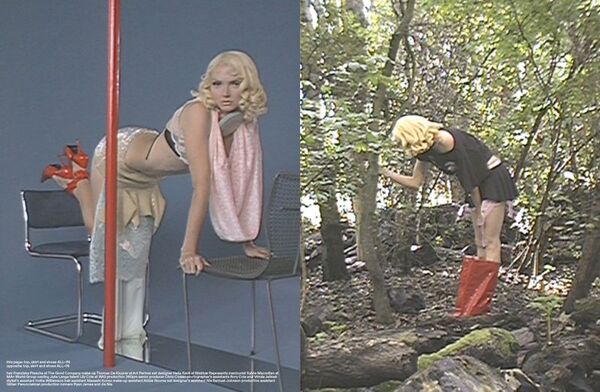
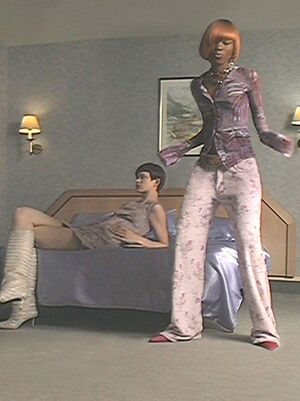
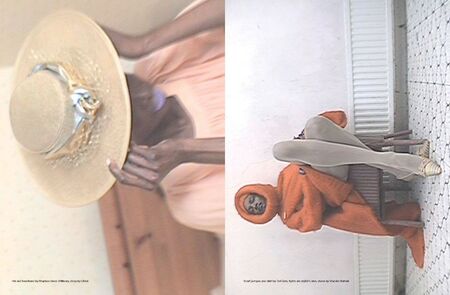
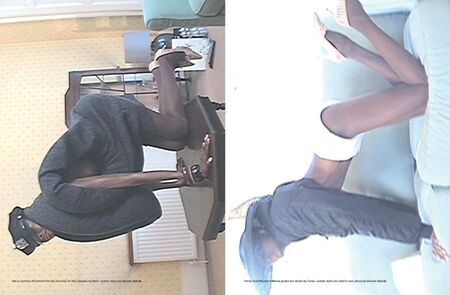
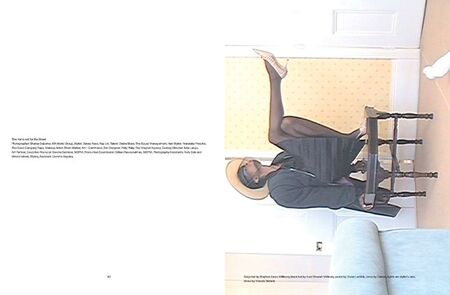
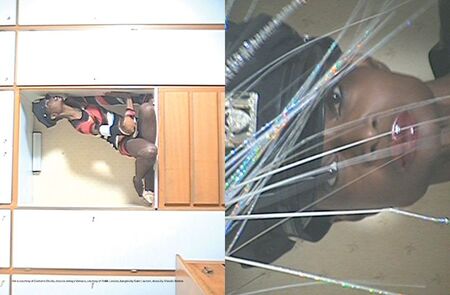
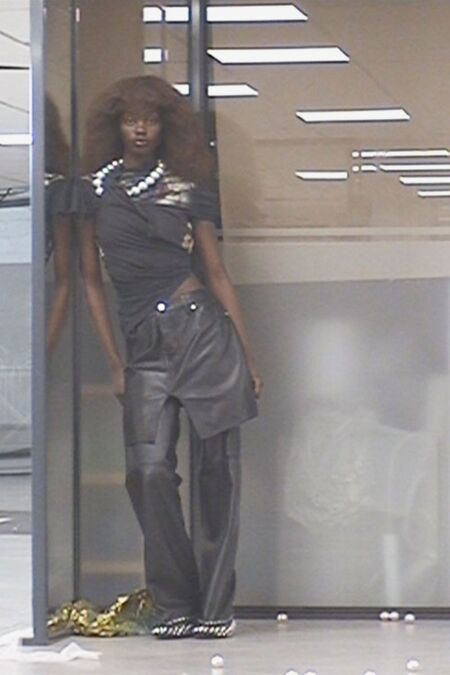
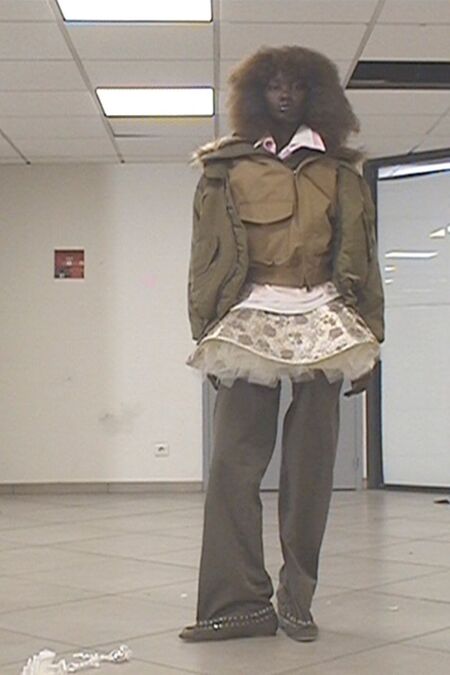
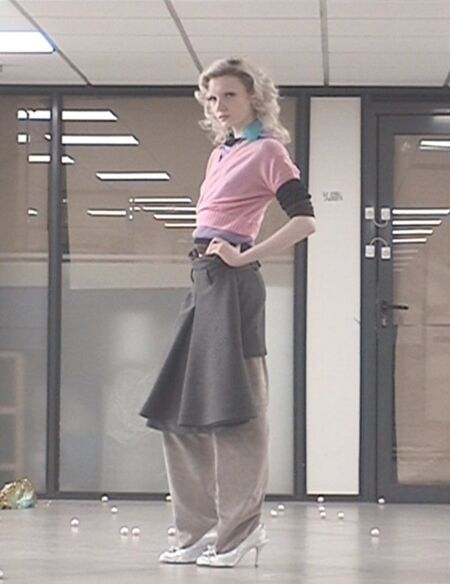
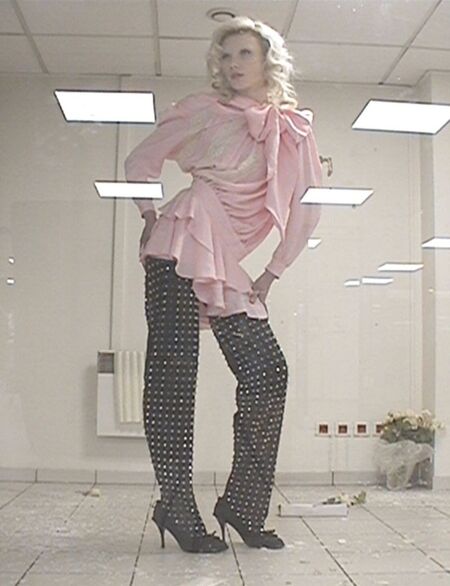
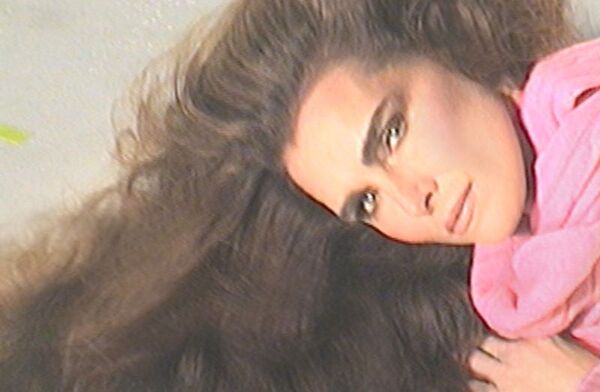
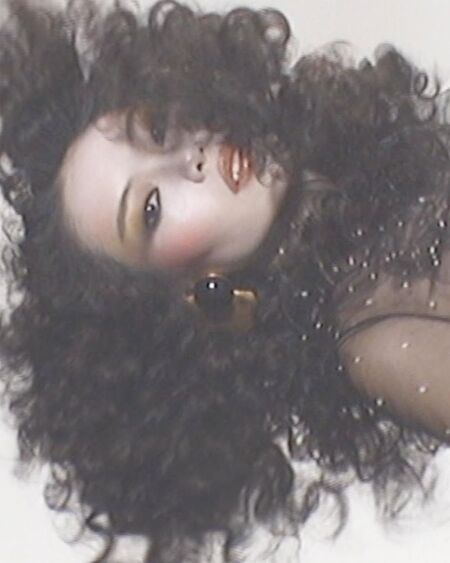
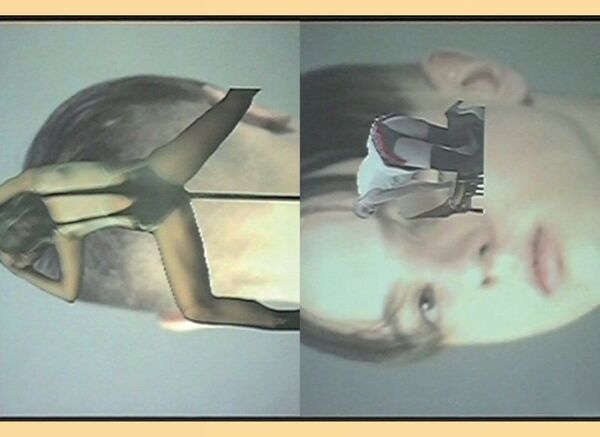
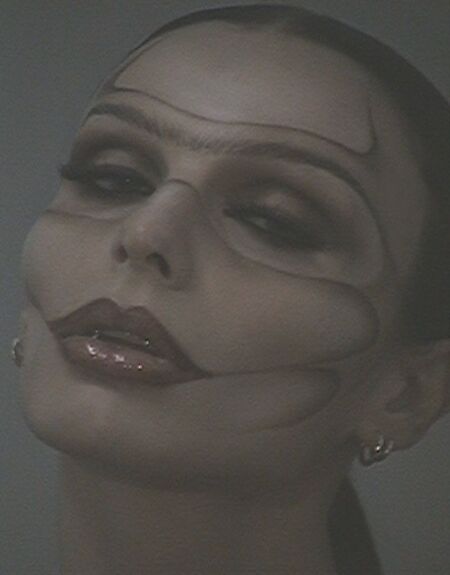
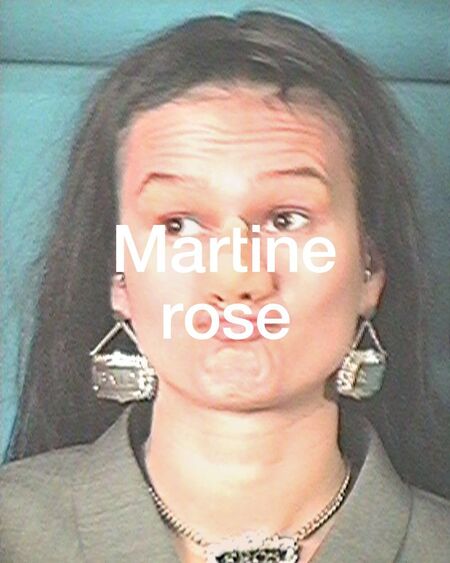
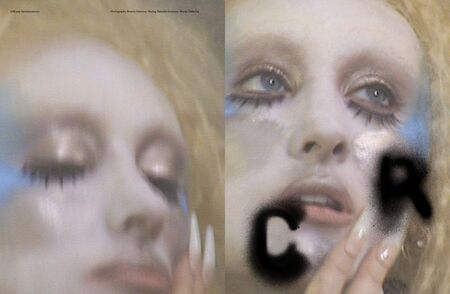
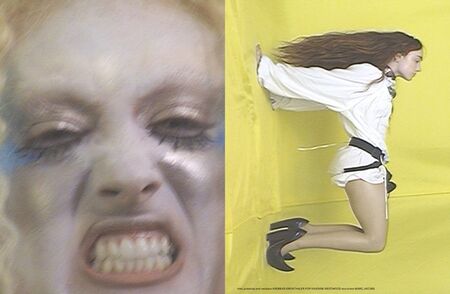
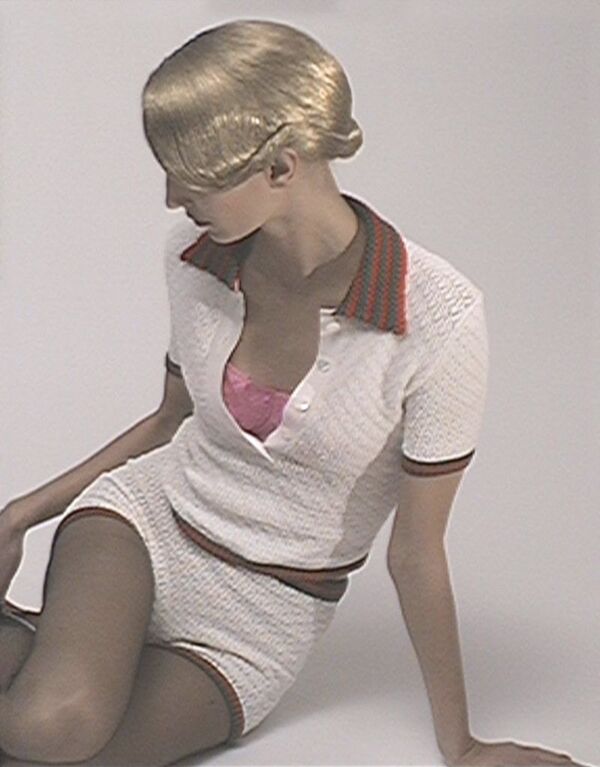
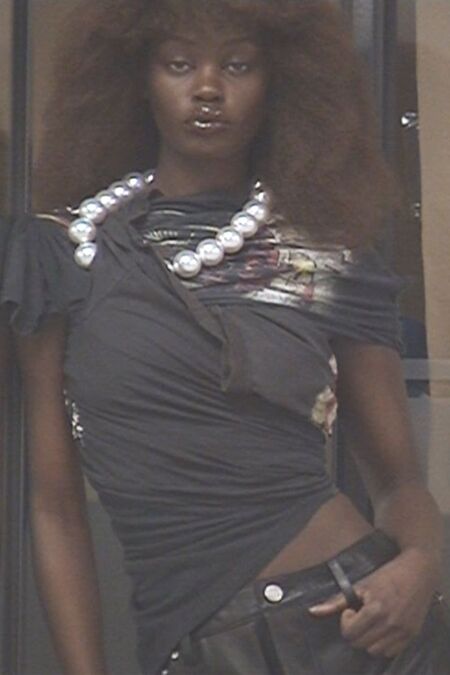
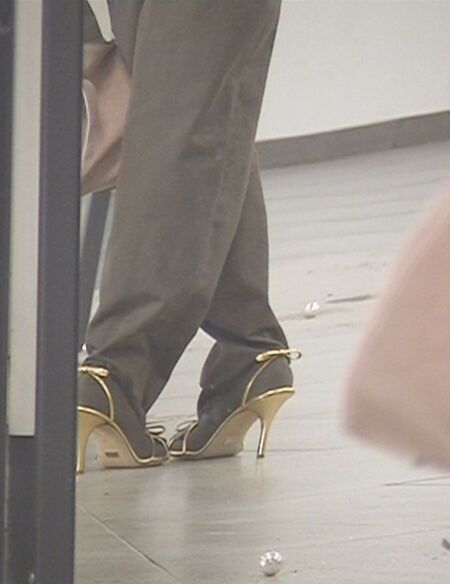
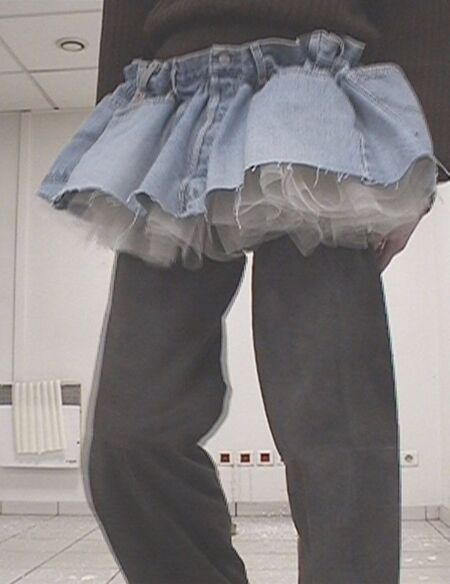
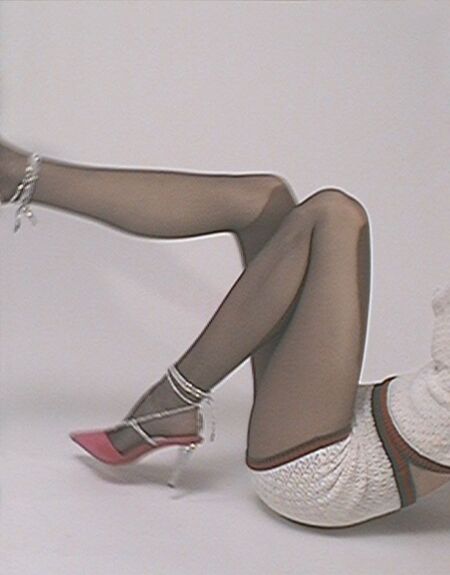
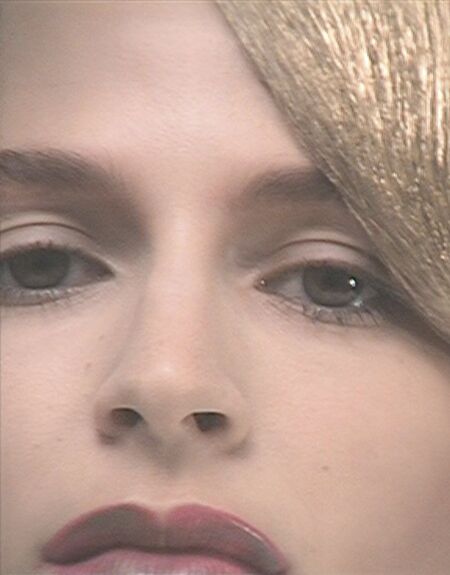
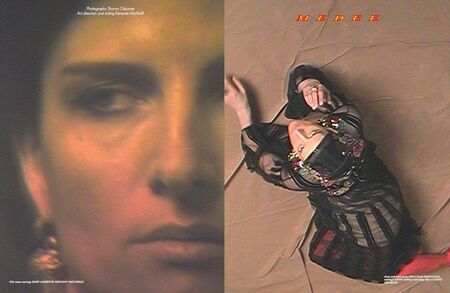
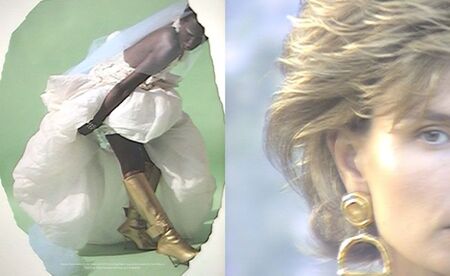
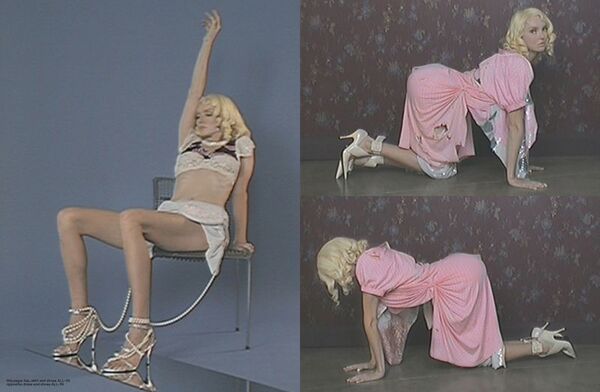
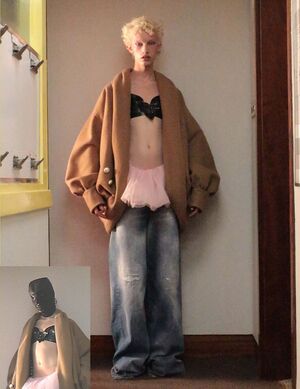
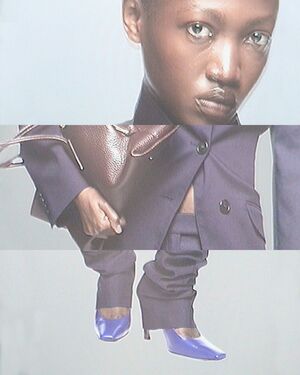
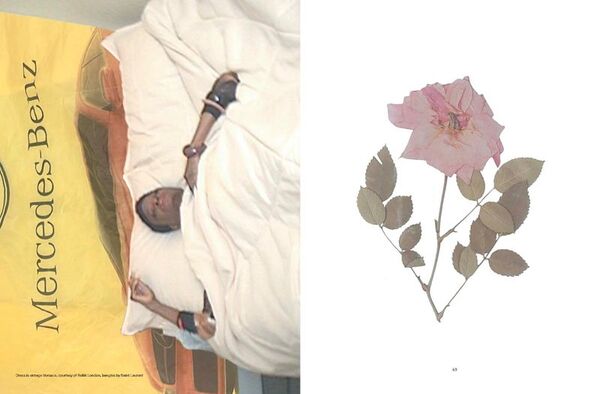
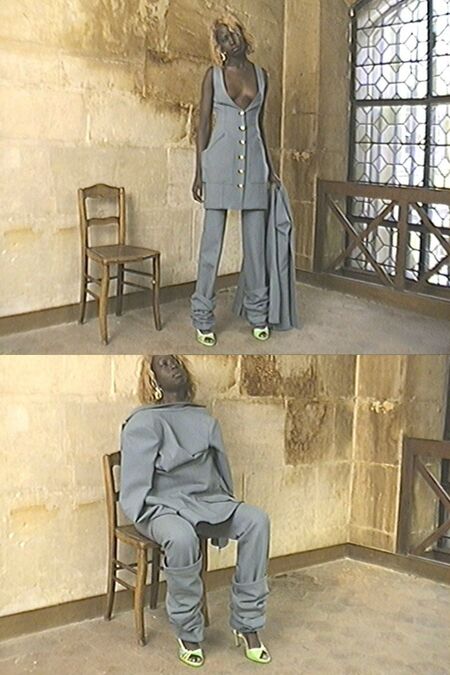
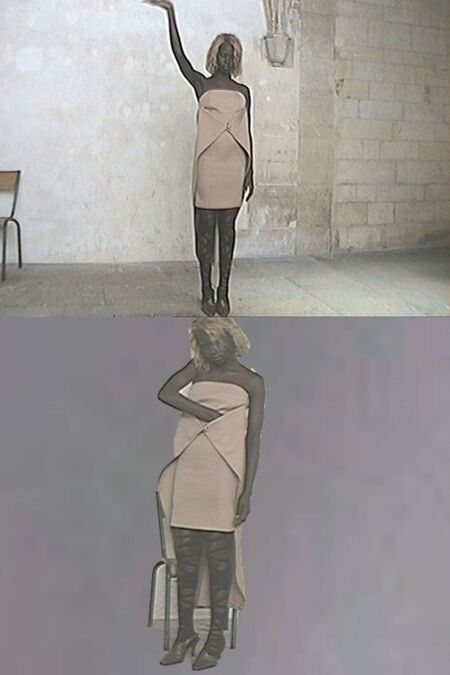
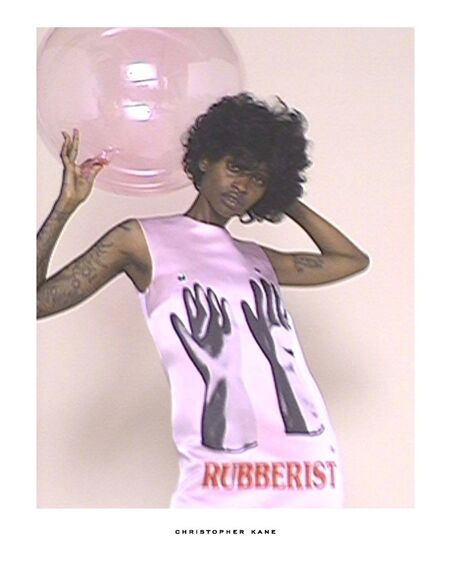
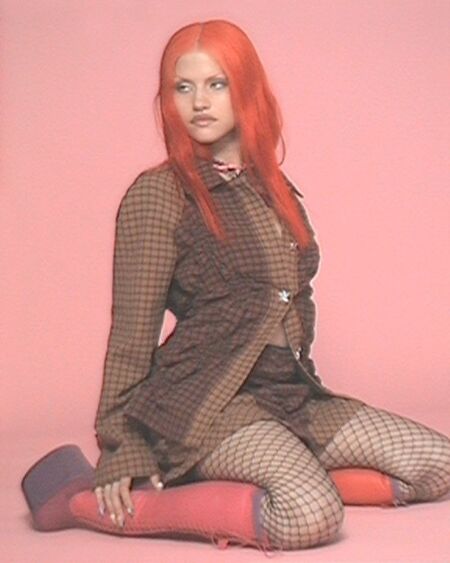
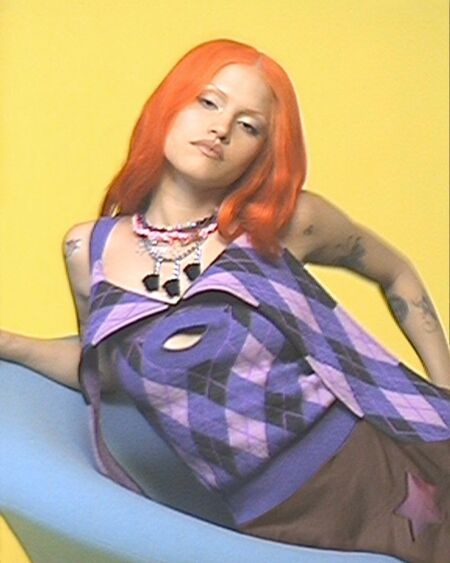
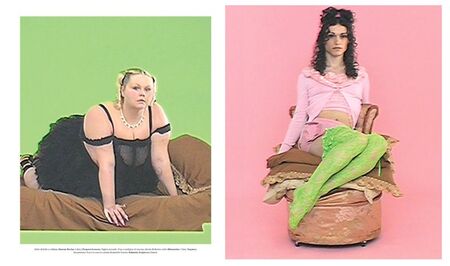
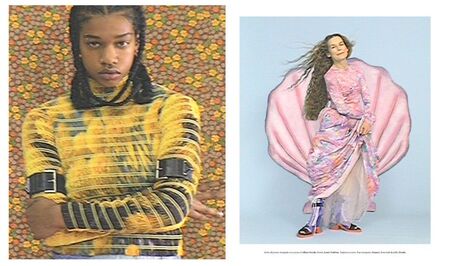
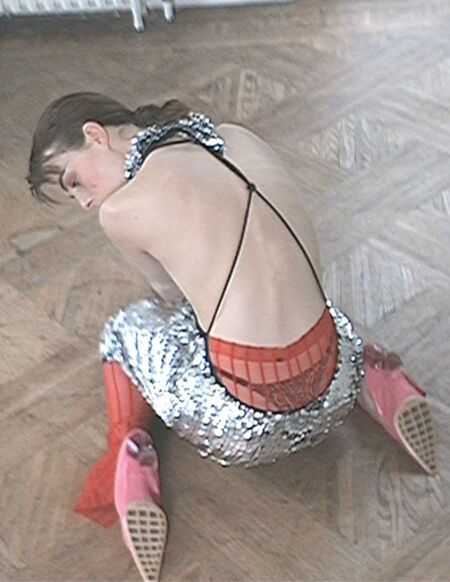
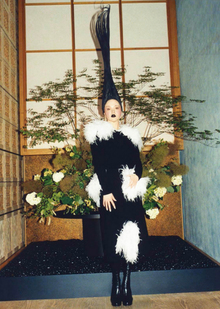
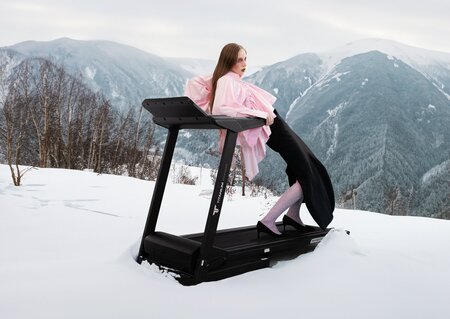
Шарна Осборн — фотограф и кинорежиссер, чье уникальное видение и стиль позволили ей снимать редакционные статьи и обложки для таких журналов, как Dazed, i-D, Vogue Italia и System. Ее фирменное использование низкокачественных цифровых изображений и непредвзятый подход к человеческому образу делают ее мгновенно узнаваемой.
Мария Мельникова подготовила исследование работ фотографа Sharna Osborne. Проект включает анализ её фирменного стиля, включая использование низкокачественных цифровых изображений и непредвзятый подход к человеческому образу.
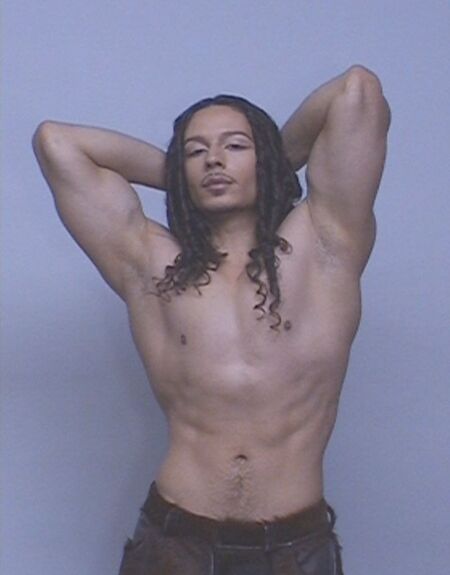
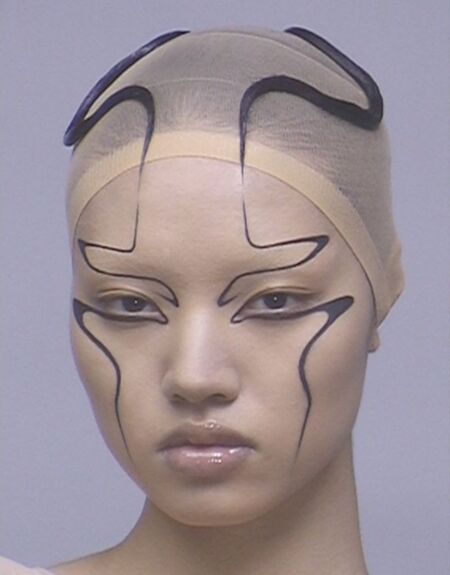
Тимур Кайзеров подготовил исследование фотографа Theo Liu, охватывающее его стиль и влияние в современной фотографии. Проект включает анализ уникального сочетания традиционных и цифровых элементов в работах фотографа, опубликованных в престижных изданиях и рекламных кампаниях.
Авторы Анзор Канкулов, Оксана Дворянкина и Дмитрий Бирюков создали профиль «Арт-дирекшн в моде» для обучения визуальным коммуникациям в индустрии моды. Программа включает работу с кейсами из актуального контекста моды и сотрудничество с мировыми брендами в рамках учебного процесса.
Multiple Authors
Профиль «Арт-дирекшн в моде» предназначен для тех, кто любит моду и хочет заниматься визуальными коммуникациями, развитием фэшн-марок, магазинов и онлайн-площадок.
Yallo Fashion brand представила профайл, описывающий развитие нижегородского проекта с 2016 года. Проект известен индивидуальным подходом к пошиву одежды и отказом от сотрудничества с фабриками.
MUUS Fashion brand представил профайл бренда, в котором описаны особенности дизайна и история создания московского модного дома. Проект включает информацию о культурном наследии северных народов, используемом в коллекциях, и уникальных деталях в одежде.
education.mediiia
A platform for professional growth in the creative industries. We bring together those who need new knowledge to start or develop a career, and those who are willing to use their knowledge to create and monetize original training courses.
We use cookies to improve the operation of the website and to enhance its usability. More detailed information on the use of cookies can be fo...
Show more
Press space bar to start a drag.
When dragging you can use the arrow keys to move the item around and escape to cancel.
Some screen readers may require you to be in focus mode or to use your pass through key
Press space bar to start a drag.
When dragging you can use the arrow keys to move the item around and escape to cancel.
Some screen readers may require you to be in focus mode or to use your pass through key
Press space bar to start a drag.
When dragging you can use the arrow keys to move the item around and escape to cancel.
Some screen readers may require you to be in focus mode or to use your pass through key
Press space bar to start a drag.
When dragging you can use the arrow keys to move the item around and escape to cancel.
Some screen readers may require you to be in focus mode or to use your pass through key
Press space bar to start a drag.
When dragging you can use the arrow keys to move the item around and escape to cancel.
Some screen readers may require you to be in focus mode or to use your pass through key
Press space bar to start a drag.
When dragging you can use the arrow keys to move the item around and escape to cancel.
Some screen readers may require you to be in focus mode or to use your pass through key
Press space bar to start a drag.
When dragging you can use the arrow keys to move the item around and escape to cancel.
Some screen readers may require you to be in focus mode or to use your pass through key
Press space bar to start a drag.
When dragging you can use the arrow keys to move the item around and escape to cancel.
Some screen readers may require you to be in focus mode or to use your pass through key
Press space bar to start a drag.
When dragging you can use the arrow keys to move the item around and escape to cancel.
Some screen readers may require you to be in focus mode or to use your pass through key
Press space bar to start a drag.
When dragging you can use the arrow keys to move the item around and escape to cancel.
Some screen readers may require you to be in focus mode or to use your pass through key
Press space bar to start a drag.
When dragging you can use the arrow keys to move the item around and escape to cancel.
Some screen readers may require you to be in focus mode or to use your pass through key
Press space bar to start a drag.
When dragging you can use the arrow keys to move the item around and escape to cancel.
Some screen readers may require you to be in focus mode or to use your pass through key
Press space bar to start a drag.
When dragging you can use the arrow keys to move the item around and escape to cancel.
Some screen readers may require you to be in focus mode or to use your pass through key
Press space bar to start a drag.
When dragging you can use the arrow keys to move the item around and escape to cancel.
Some screen readers may require you to be in focus mode or to use your pass through key
Press space bar to start a drag.
When dragging you can use the arrow keys to move the item around and escape to cancel.
Some screen readers may require you to be in focus mode or to use your pass through key
Press space bar to start a drag.
When dragging you can use the arrow keys to move the item around and escape to cancel.
Some screen readers may require you to be in focus mode or to use your pass through key
Press space bar to start a drag.
When dragging you can use the arrow keys to move the item around and escape to cancel.
Some screen readers may require you to be in focus mode or to use your pass through key
Press space bar to start a drag.
When dragging you can use the arrow keys to move the item around and escape to cancel.
Some screen readers may require you to be in focus mode or to use your pass through key
Press space bar to start a drag.
When dragging you can use the arrow keys to move the item around and escape to cancel.
Some screen readers may require you to be in focus mode or to use your pass through key
Press space bar to start a drag.
When dragging you can use the arrow keys to move the item around and escape to cancel.
Some screen readers may require you to be in focus mode or to use your pass through key
Press space bar to start a drag.
When dragging you can use the arrow keys to move the item around and escape to cancel.
Some screen readers may require you to be in focus mode or to use your pass through key
Press space bar to start a drag.
When dragging you can use the arrow keys to move the item around and escape to cancel.
Some screen readers may require you to be in focus mode or to use your pass through key
Press space bar to start a drag.
When dragging you can use the arrow keys to move the item around and escape to cancel.
Some screen readers may require you to be in focus mode or to use your pass through key