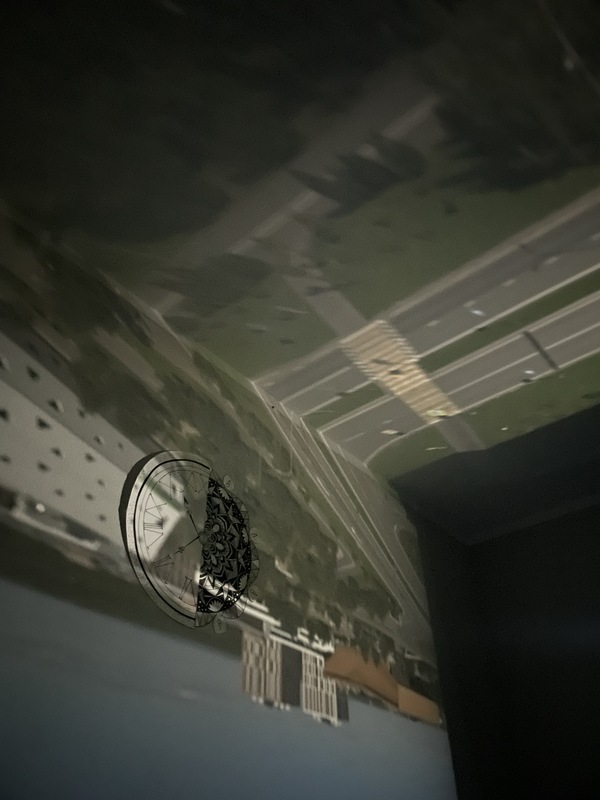
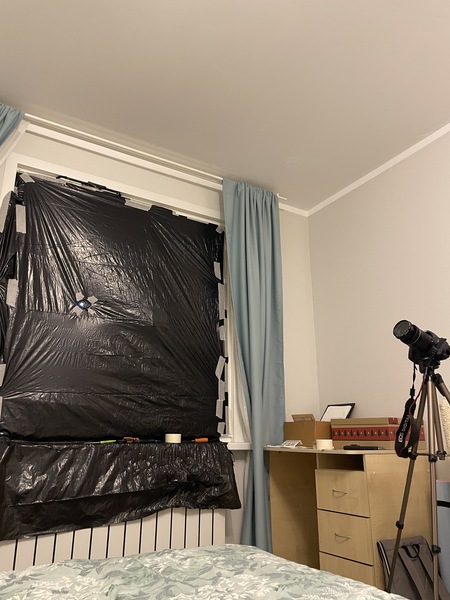
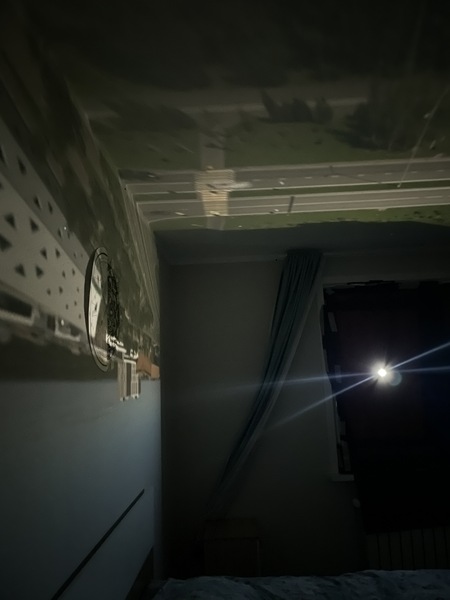
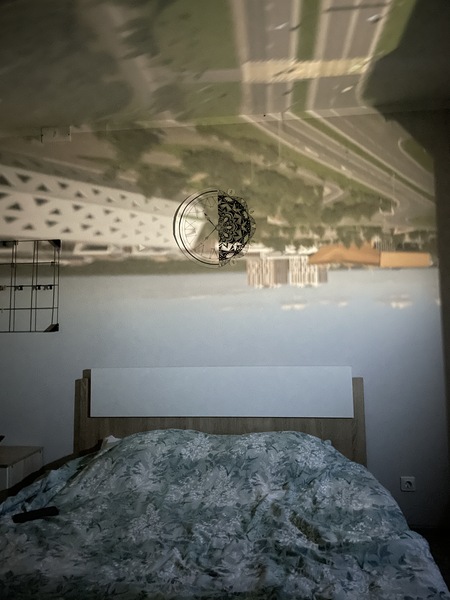
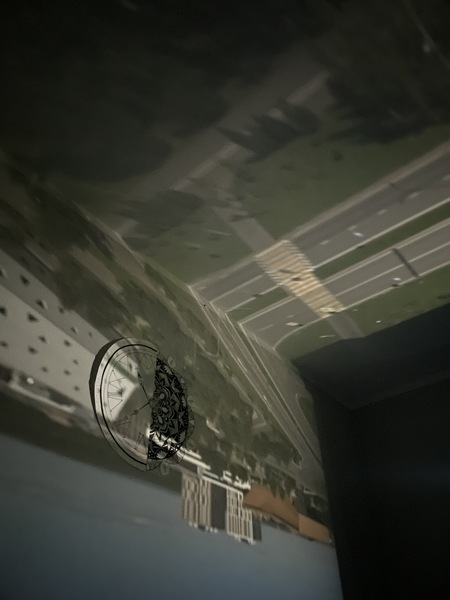
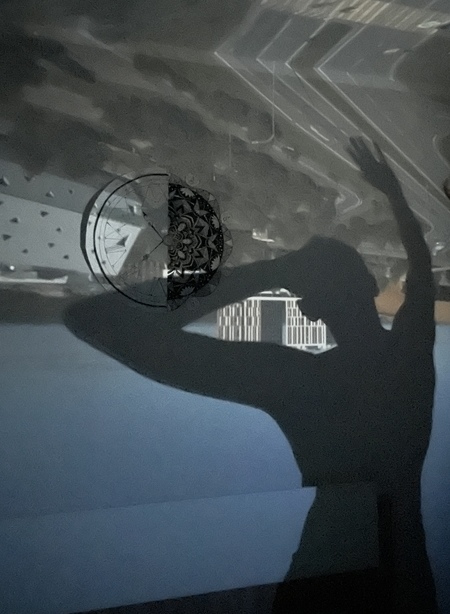
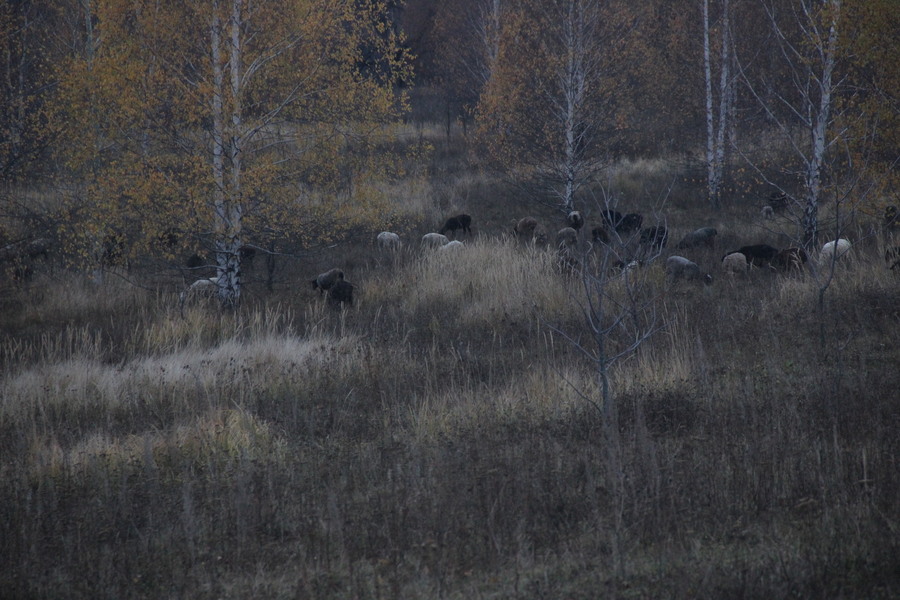
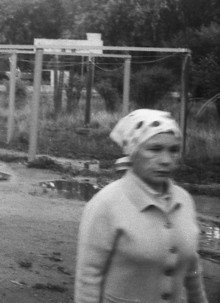
Первое домашнее задание было сделать камеру-обскура. Я решила сделать её из окна своей комнаты. Окна обтянуты черными полиэтиленовыми пакетами, для проникновения света сделано небольшое отверстие и закреплено клейкой черной лентой.
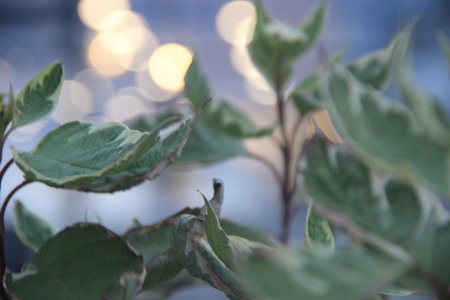
Глубина резкости
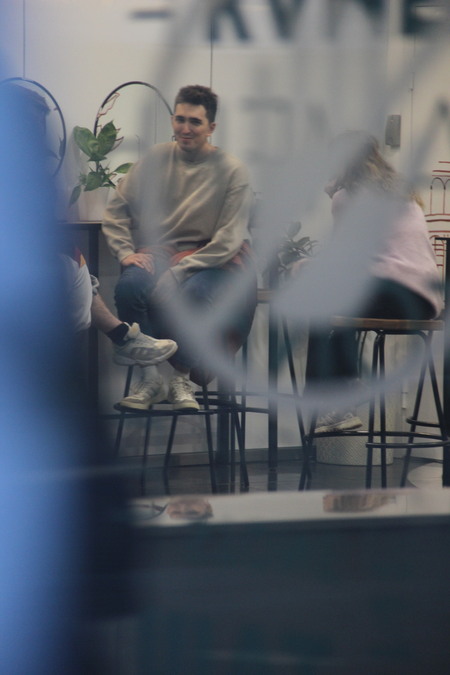
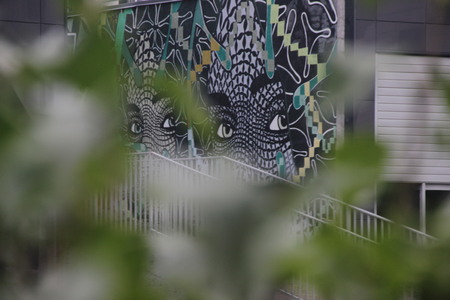
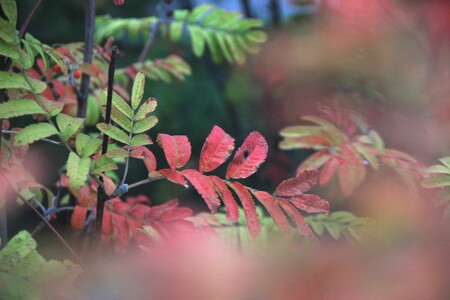
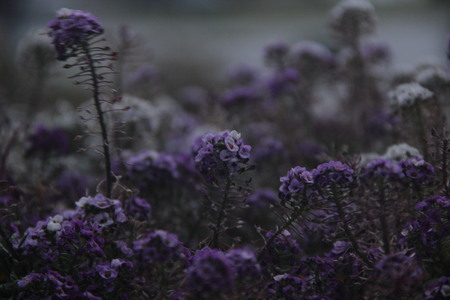
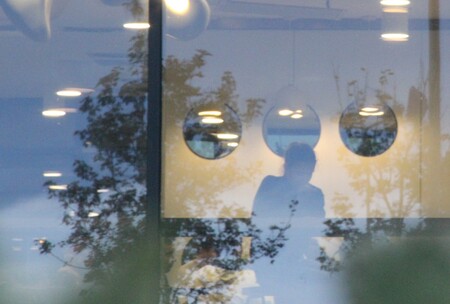
По теме «Глубина резкости» мне очень понравились работы фотографа Saul Leiter, постаралась сделать несколько снимков в похожем стиле.
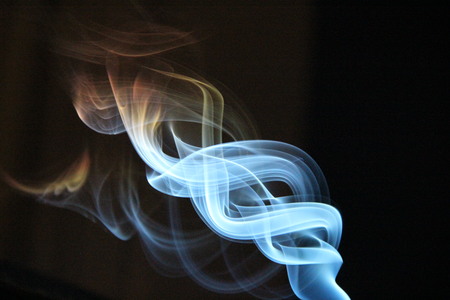
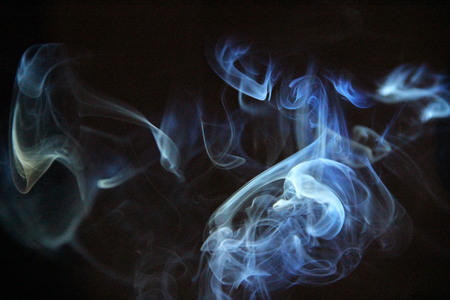
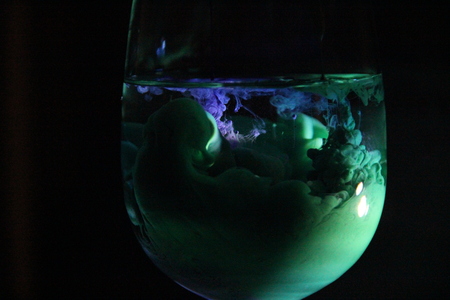
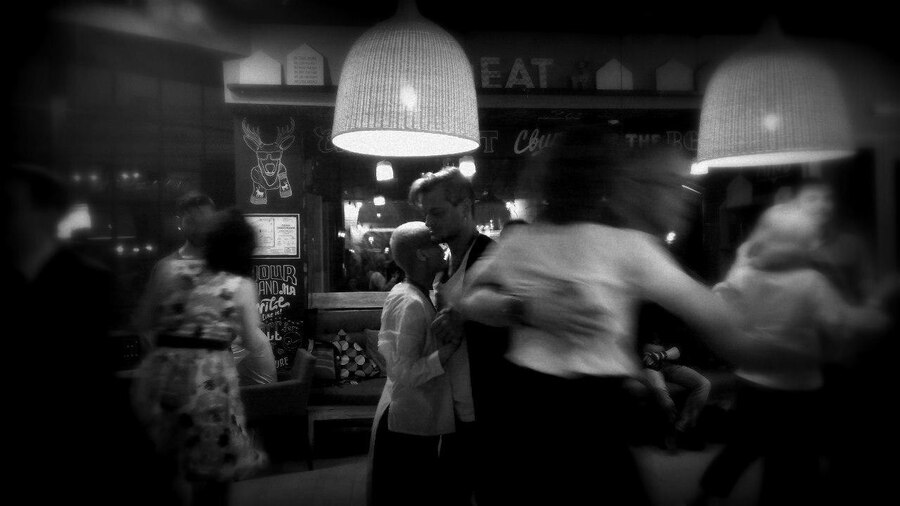
Короткая выдержка
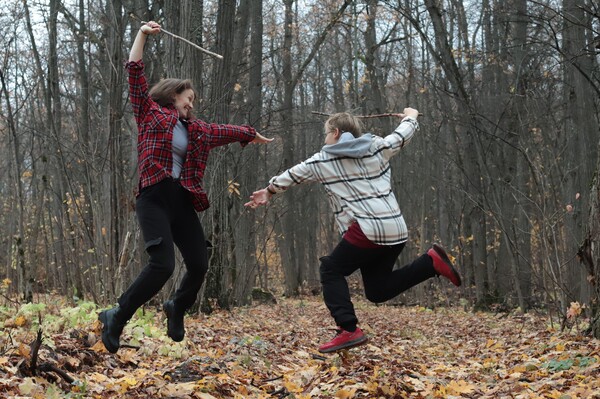
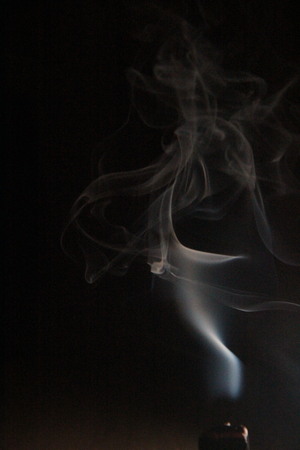
Для выполнения домашнего задания по теме «Короткая выдержка» я использовала боковое цветное освещение для дыма. Также фотографировала краски в воде и людей в движении.
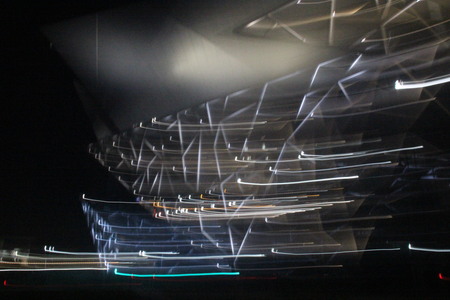
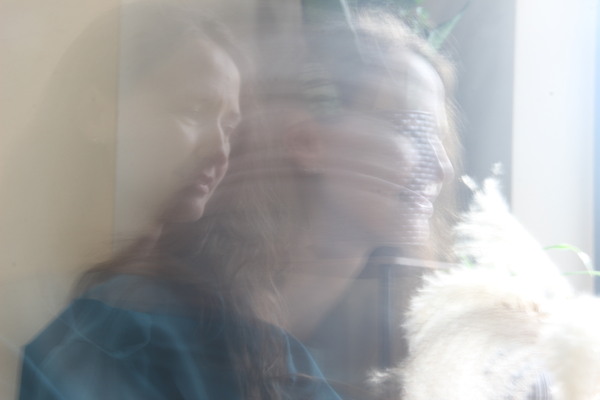
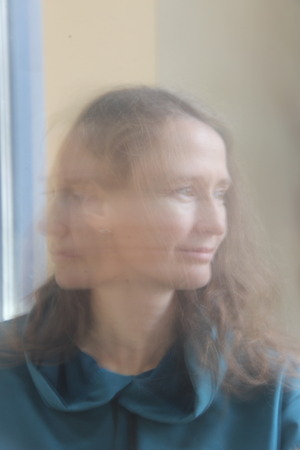
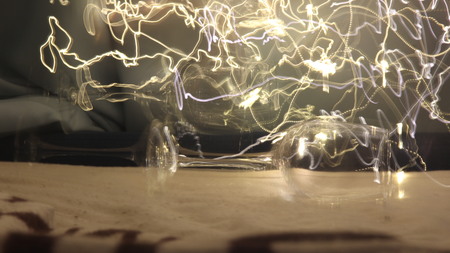
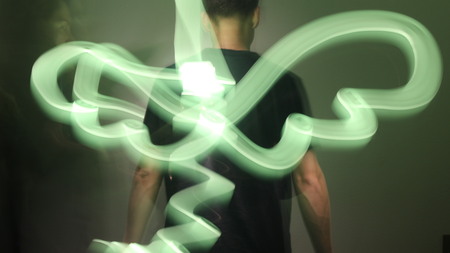
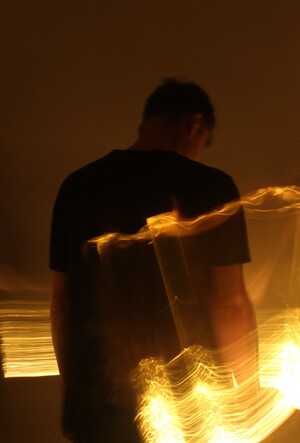
Длинная выдержка
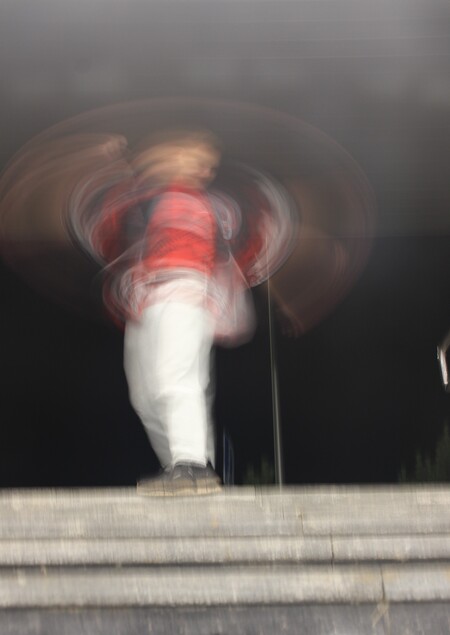
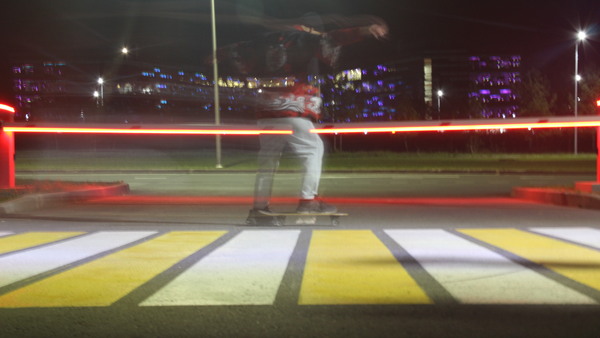
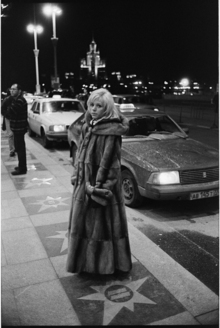
По теме «Длинная выдержка» я работала со светом, людьми и также использовала движение камерой для съемки архитектурных объектов.
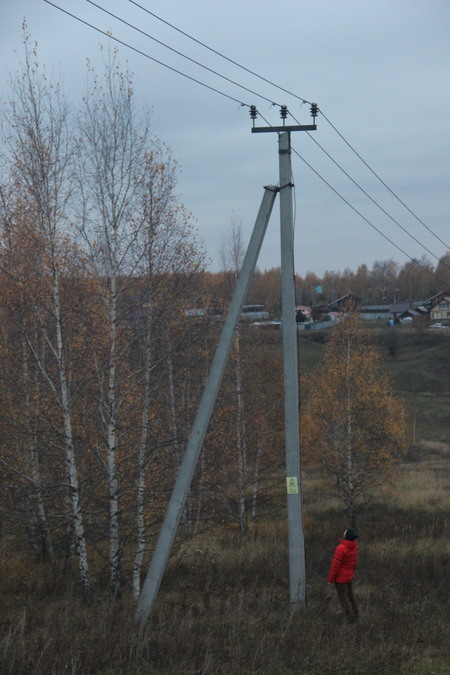
Композиция
Тема «Большое и маленькое» в композиции далась мне тяжело. Я пыталась найти сюжеты по своему небольшому городу, но удалось совсем немного. Надеюсь в дальнейшем собрать больше работ по данной теме.
Исходный размер 3456x2304
Первый модуль курса Современная фотография — Бильская Анастасия, 1 группа
У нас сменился администратор сайта, теперь наш сайт будет работать еще лучше! Но нам надо соблюсти небольшую формальность, подтверди, пожалуйста, свои согласия:
Мы используем файлы cookies для улучшения работы сайта и большего удобства его использования. Более подробную информац...
Показать больше
Press space bar to start a drag.
When dragging you can use the arrow keys to move the item around and escape to cancel.
Some screen readers may require you to be in focus mode or to use your pass through key
Press space bar to start a drag.
When dragging you can use the arrow keys to move the item around and escape to cancel.
Some screen readers may require you to be in focus mode or to use your pass through key
Press space bar to start a drag.
When dragging you can use the arrow keys to move the item around and escape to cancel.
Some screen readers may require you to be in focus mode or to use your pass through key
Press space bar to start a drag.
When dragging you can use the arrow keys to move the item around and escape to cancel.
Some screen readers may require you to be in focus mode or to use your pass through key
Press space bar to start a drag.
When dragging you can use the arrow keys to move the item around and escape to cancel.
Some screen readers may require you to be in focus mode or to use your pass through key
Press space bar to start a drag.
When dragging you can use the arrow keys to move the item around and escape to cancel.
Some screen readers may require you to be in focus mode or to use your pass through key
Press space bar to start a drag.
When dragging you can use the arrow keys to move the item around and escape to cancel.
Some screen readers may require you to be in focus mode or to use your pass through key
Press space bar to start a drag.
When dragging you can use the arrow keys to move the item around and escape to cancel.
Some screen readers may require you to be in focus mode or to use your pass through key
Press space bar to start a drag.
When dragging you can use the arrow keys to move the item around and escape to cancel.
Some screen readers may require you to be in focus mode or to use your pass through key
Press space bar to start a drag.
When dragging you can use the arrow keys to move the item around and escape to cancel.
Some screen readers may require you to be in focus mode or to use your pass through key
Press space bar to start a drag.
When dragging you can use the arrow keys to move the item around and escape to cancel.
Some screen readers may require you to be in focus mode or to use your pass through key