Данный проект является учебной работой студента Школы дизайна или исследовательской работой преподавателя Школы дизайна. Данный проект не является коммерческим и служит образовательным целям
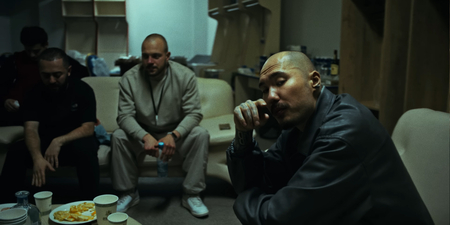
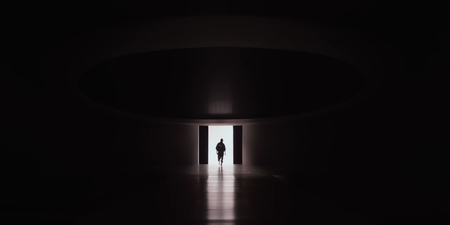
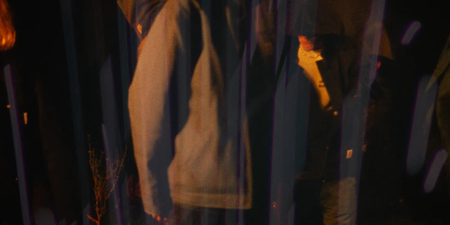
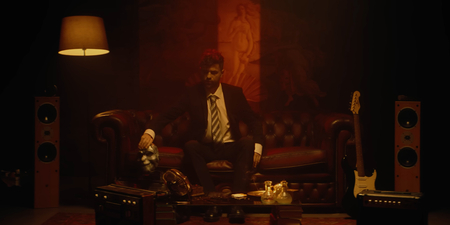
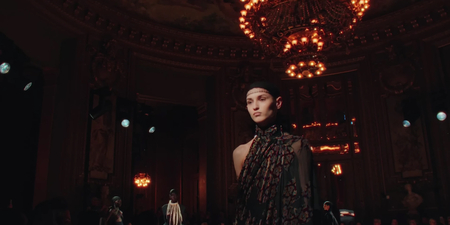
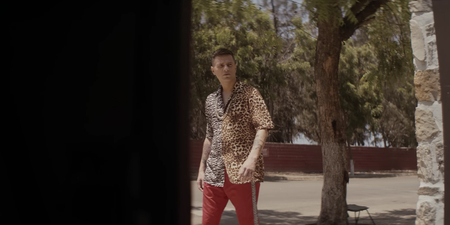
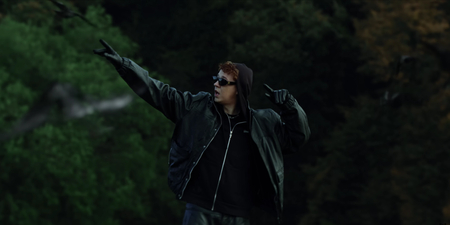
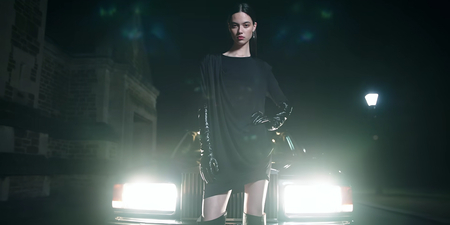
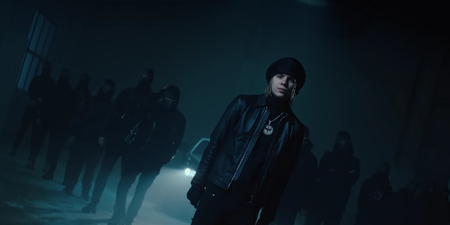
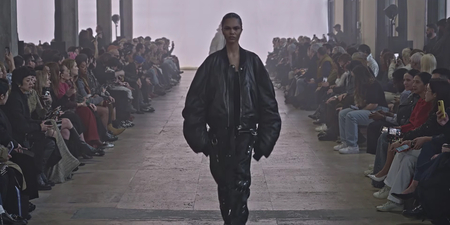
Локация: Скриптонит — там где не ждали / Fear of God — Fall 2023
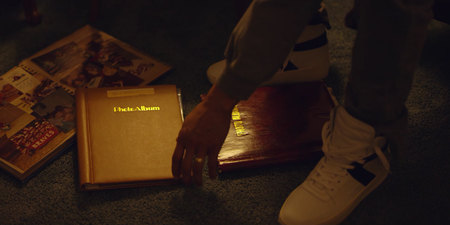
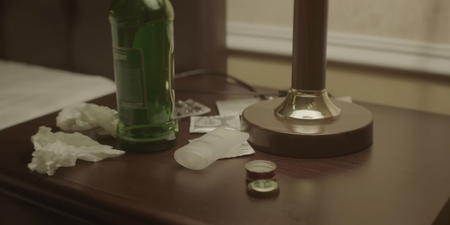
Атрибуты: Скриптонит — Умножить / Fear of God — FIFTH COLLECTION
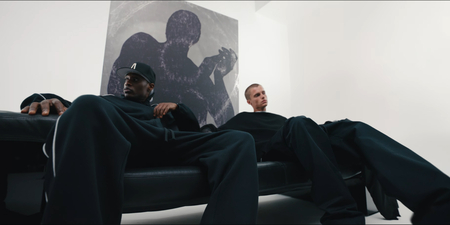
Внешний вид: Скриптонит — там где не ждали / Fear of God — ESSENTIALS PRESENTS
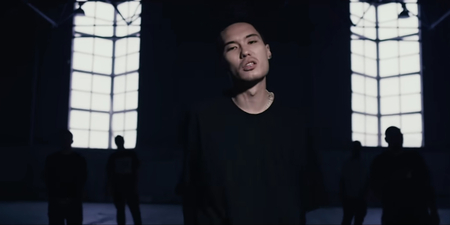
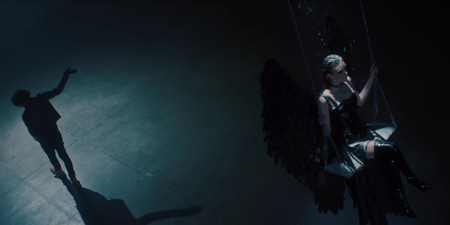
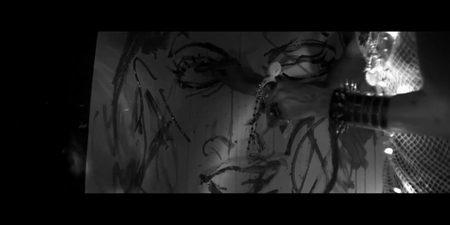
Атмосфера: Скриптонит — Стиль / Fear of God — BEHIND THE VISION
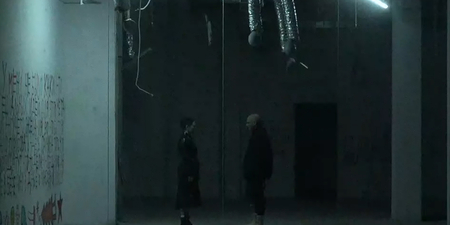
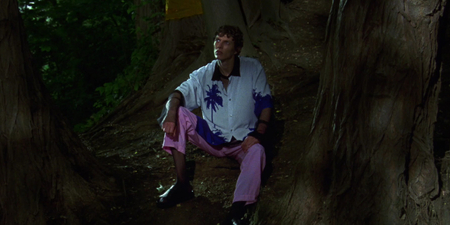
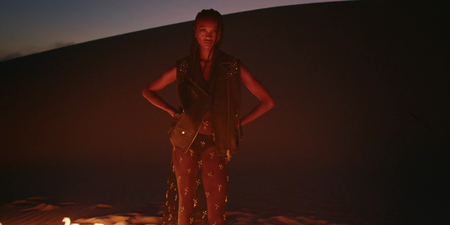
Локация: SALUKI — HAHAHA / Carhartt WIP — F-W23
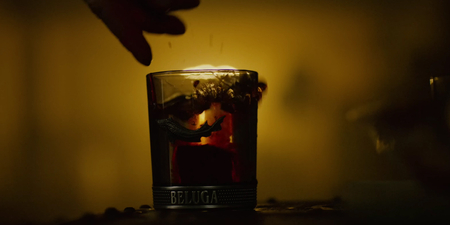
Атрибуты: SALUKI — Меня не будет / Carhartt WIP — Grog for Carhartt WIP
Атмосфера: PHARAOH — ЛАЛЛИПАП / Rick Owens — SPOTLIGHT CLUB LONDON
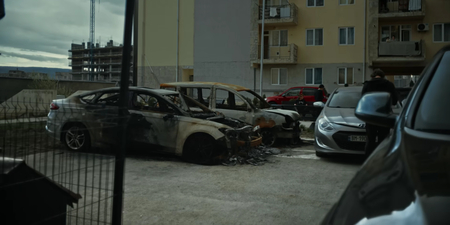
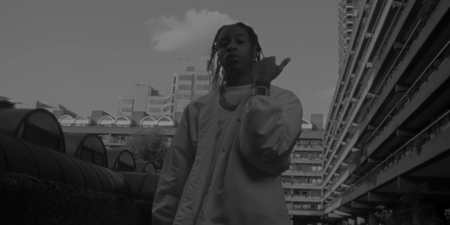
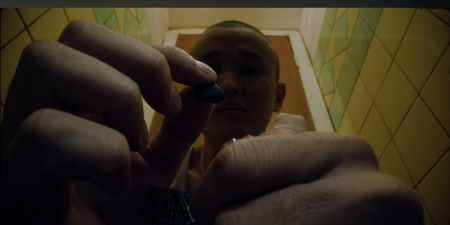
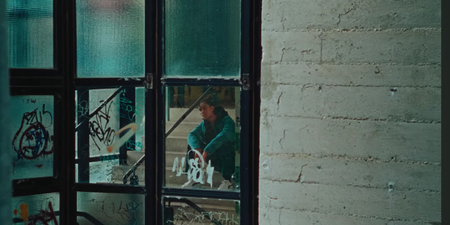
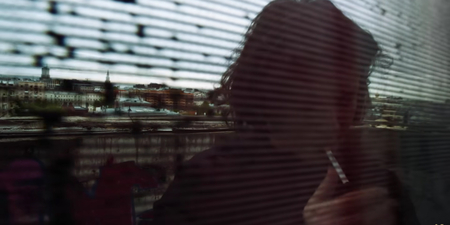
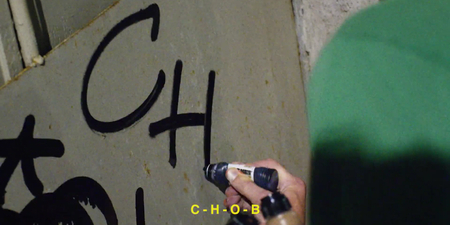
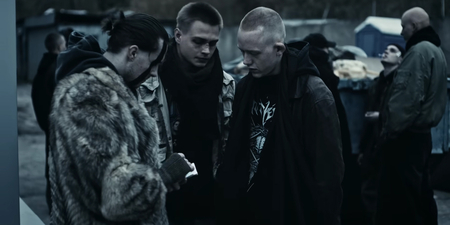
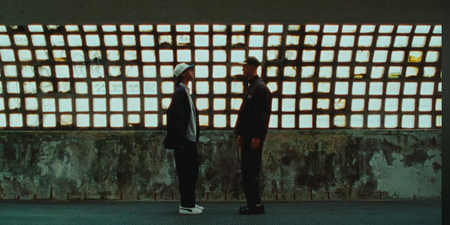
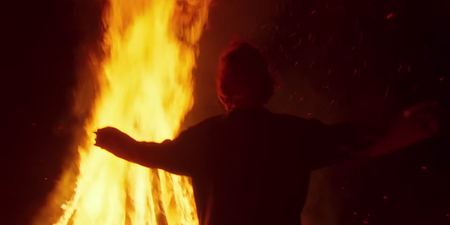
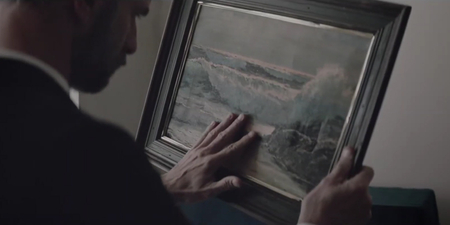
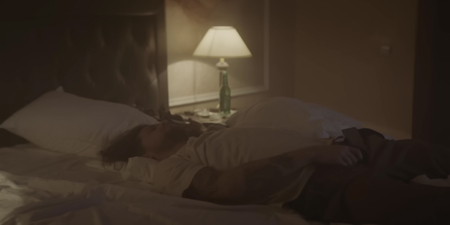
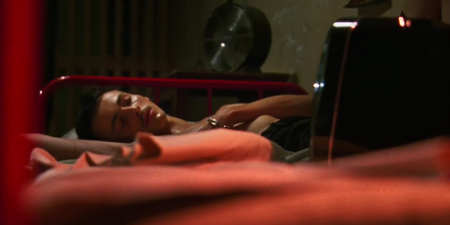
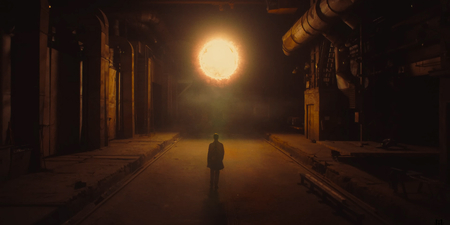
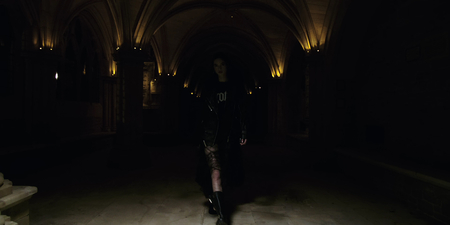
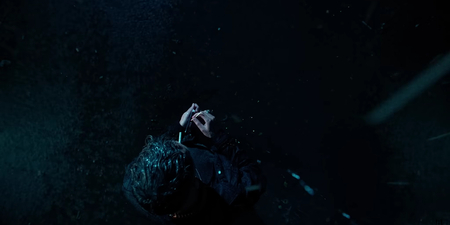
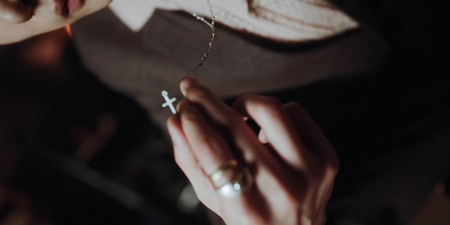
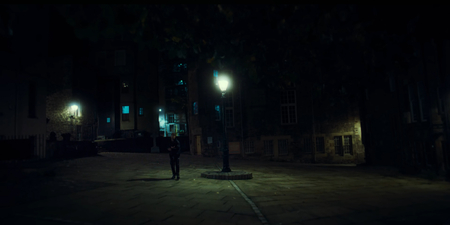
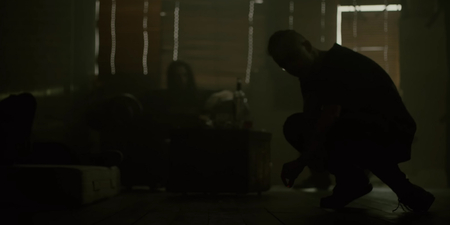
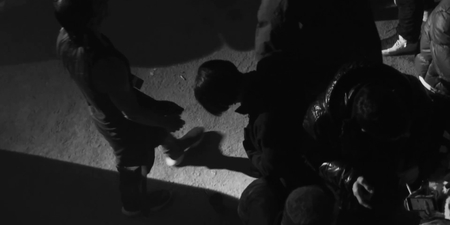
Образ отчуждения — это мир, построенный на темных, мрачных цветах и атмосфере самоизоляции. Герой этого образа часто изображен в одиночестве, с заметной мимикой отстраненности и отсутствием выраженных эмоций. Сигареты, алкоголь и другие элементы, символизирующие уединение, играют важную роль в создании нужной атмосферы. Локации для таких образов часто выбраны мрачными, грязными, например, заброшенные здания, темные улицы или пейзажи, где преобладает пассивная агрессия и чувство безысходности. Эти визуальные элементы создают ощущение потери связи с окружающим миром, изолированности и часто одиночества.
Образ отчуждения привлекает аудиторию, которая чувствует внутреннюю борьбу и неготовность или невозможность быть частью общества. Это также выражение саморефлексии и внутренней боли, что находит отклик у тех, кто сталкивается с личными трудностями или находится в поисках самопознания. Визуальные элементы, такие как темные цвета и невыразительные локации, усиливают эффект отстраненности и создают атмосферу грусти и самоотчуждения, подчеркивая противостояние внутреннему миру.
У нас сменился администратор сайта, теперь наш сайт будет работать еще лучше! Но нам надо соблюсти небольшую формальность, подтверди, пожалуйста, свои согласия:
Мы используем файлы cookies для улучшения работы сайта и большего удобства его использования. Более подробную информац...
Показать больше
Press space bar to start a drag.
When dragging you can use the arrow keys to move the item around and escape to cancel.
Some screen readers may require you to be in focus mode or to use your pass through key
Press space bar to start a drag.
When dragging you can use the arrow keys to move the item around and escape to cancel.
Some screen readers may require you to be in focus mode or to use your pass through key
Press space bar to start a drag.
When dragging you can use the arrow keys to move the item around and escape to cancel.
Some screen readers may require you to be in focus mode or to use your pass through key
Press space bar to start a drag.
When dragging you can use the arrow keys to move the item around and escape to cancel.
Some screen readers may require you to be in focus mode or to use your pass through key
Press space bar to start a drag.
When dragging you can use the arrow keys to move the item around and escape to cancel.
Some screen readers may require you to be in focus mode or to use your pass through key
Press space bar to start a drag.
When dragging you can use the arrow keys to move the item around and escape to cancel.
Some screen readers may require you to be in focus mode or to use your pass through key
Press space bar to start a drag.
When dragging you can use the arrow keys to move the item around and escape to cancel.
Some screen readers may require you to be in focus mode or to use your pass through key
Press space bar to start a drag.
When dragging you can use the arrow keys to move the item around and escape to cancel.
Some screen readers may require you to be in focus mode or to use your pass through key
Press space bar to start a drag.
When dragging you can use the arrow keys to move the item around and escape to cancel.
Some screen readers may require you to be in focus mode or to use your pass through key
Press space bar to start a drag.
When dragging you can use the arrow keys to move the item around and escape to cancel.
Some screen readers may require you to be in focus mode or to use your pass through key
Press space bar to start a drag.
When dragging you can use the arrow keys to move the item around and escape to cancel.
Some screen readers may require you to be in focus mode or to use your pass through key
Press space bar to start a drag.
When dragging you can use the arrow keys to move the item around and escape to cancel.
Some screen readers may require you to be in focus mode or to use your pass through key
Press space bar to start a drag.
When dragging you can use the arrow keys to move the item around and escape to cancel.
Some screen readers may require you to be in focus mode or to use your pass through key
Press space bar to start a drag.
When dragging you can use the arrow keys to move the item around and escape to cancel.
Some screen readers may require you to be in focus mode or to use your pass through key
Press space bar to start a drag.
When dragging you can use the arrow keys to move the item around and escape to cancel.
Some screen readers may require you to be in focus mode or to use your pass through key
Press space bar to start a drag.
When dragging you can use the arrow keys to move the item around and escape to cancel.
Some screen readers may require you to be in focus mode or to use your pass through key
Press space bar to start a drag.
When dragging you can use the arrow keys to move the item around and escape to cancel.
Some screen readers may require you to be in focus mode or to use your pass through key
Press space bar to start a drag.
When dragging you can use the arrow keys to move the item around and escape to cancel.
Some screen readers may require you to be in focus mode or to use your pass through key
Press space bar to start a drag.
When dragging you can use the arrow keys to move the item around and escape to cancel.
Some screen readers may require you to be in focus mode or to use your pass through key
Press space bar to start a drag.
When dragging you can use the arrow keys to move the item around and escape to cancel.
Some screen readers may require you to be in focus mode or to use your pass through key