Данный проект является учебной работой студента Школы дизайна или исследовательской работой преподавателя Школы дизайна. Данный проект не является коммерческим и служит образовательным целям
Kylie Cosmetics
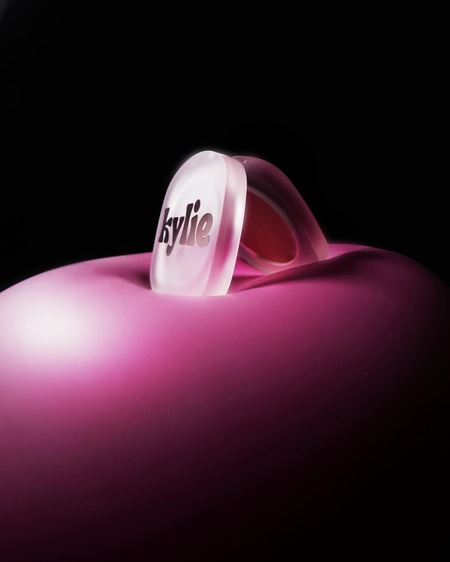
Kylie Cosmetics — американский бренд профессиональной декоративной и уходовой косметики, созданный ведущей и предпринимательницей Кайли Дженнер в 2016 году.
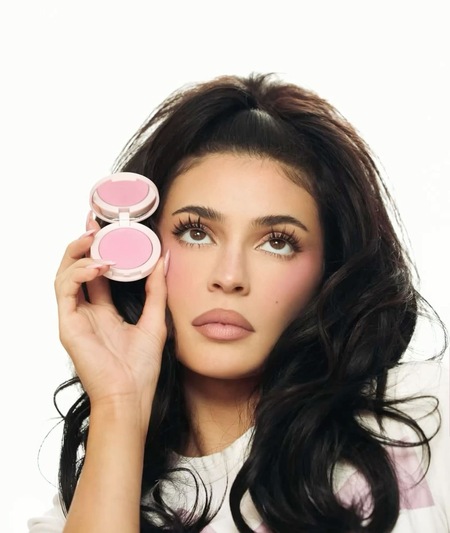
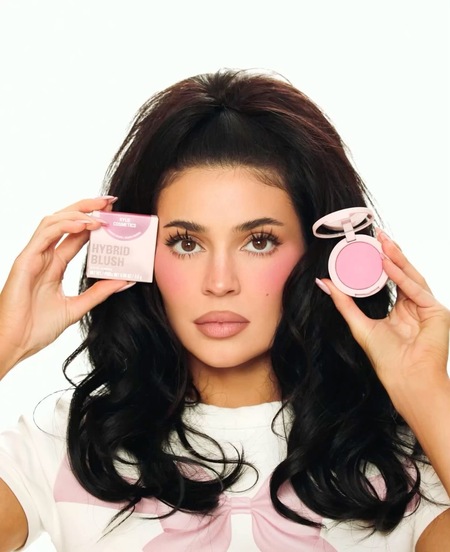
Кайли Дженнер для бренда Kylie Cosmetics, кампейн
Кайли Дженнер для бренда Kylie Cosmetics, кампейн
Философия бренда
Вдохновение для создания бренда Кайли черпала из собственной истории. Её неуверенность в размере губ стала толчком к созданию продуктов, которые помогли бы другим женщинам чувствовать себя уверенно.
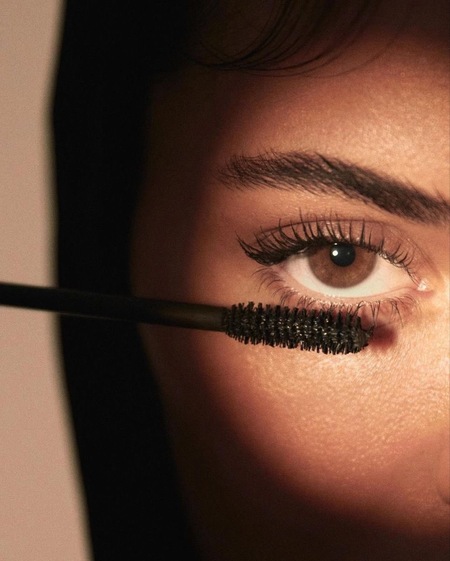
Кайли Дженнер для бренда Kylie Cosmetics, кампейн
Характеристика бренда
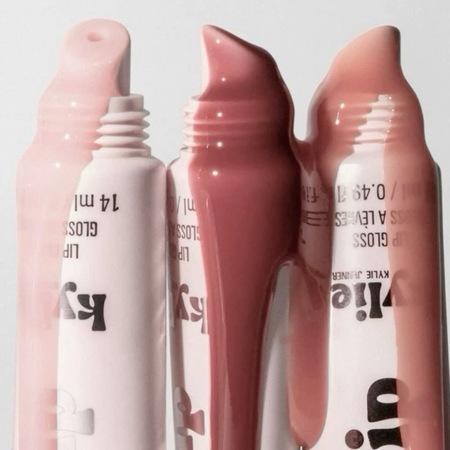
Косметические средства бренда имеют лаконичный дизайн, лёгкую текстуру, подходят для чувствительной кожи, в ассортименте жидкие и классические помады, тени для век, румяна и др.
Кайли Дженнер для бренда Kylie Cosmetics, кампейн
Кайли Дженнер для бренда Kylie Cosmetics, кампейн
Кайли Дженнер для бренда Kylie Cosmetics, кампейн
Ассортимент
Ассортимент бренда включает «Kylie Cosmetics» включает средства для губ, век, румяна и пудры, средства по уходу за кожей, а также детские косметические продукты.
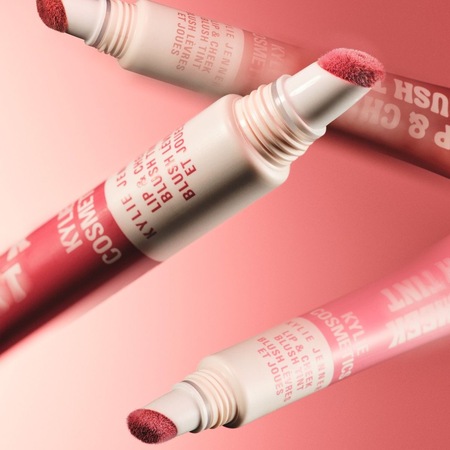
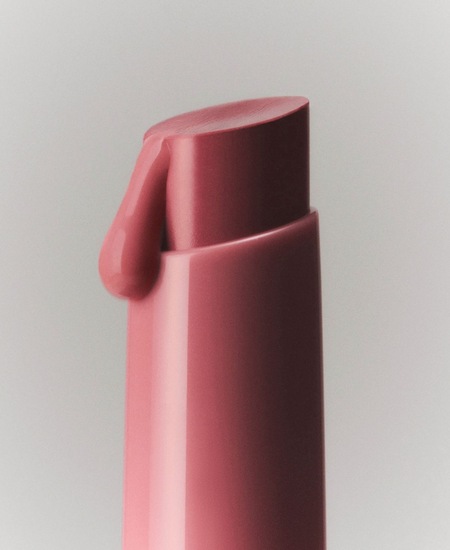
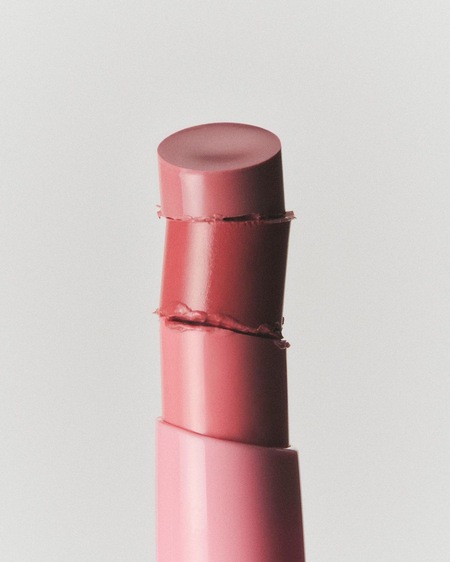
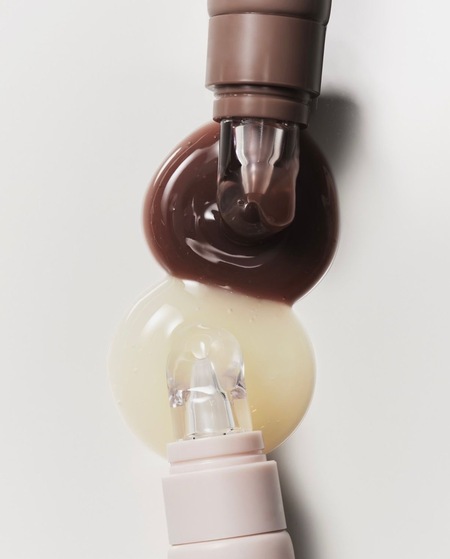
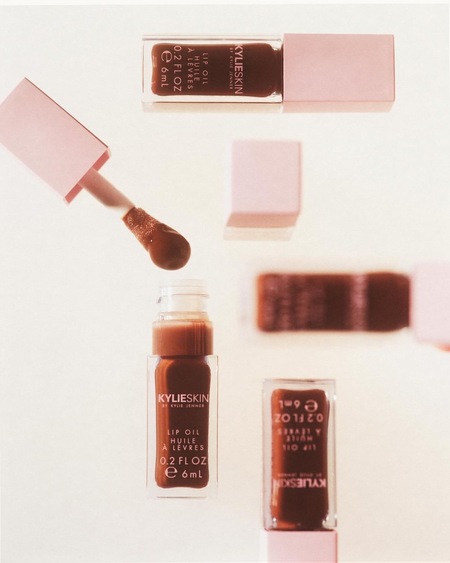
Тинт для губ и щёк Kylie Cosmetics Lip&Cheek Blush Tint; Бальзам для губ Kylie Skin Lip Balm
Бальзам для губ Kylie Cosmetics Tinted Butter Balm
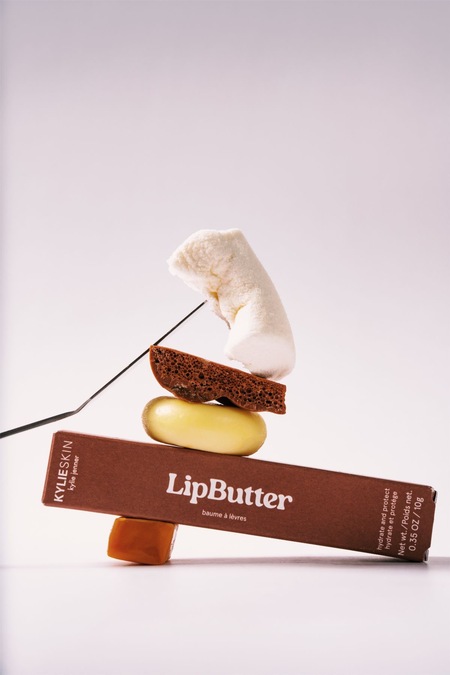
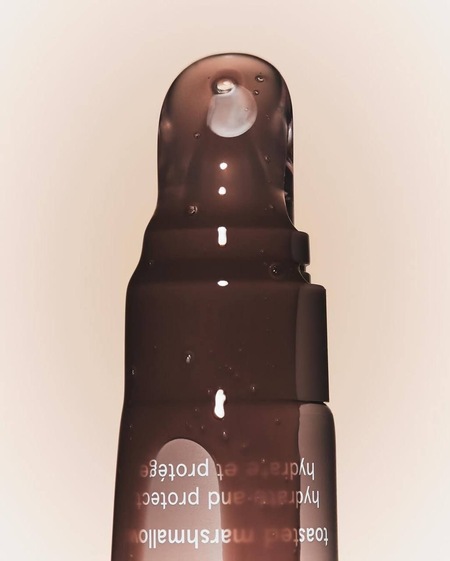
Масло для губ Kylie Skin Lip Butter
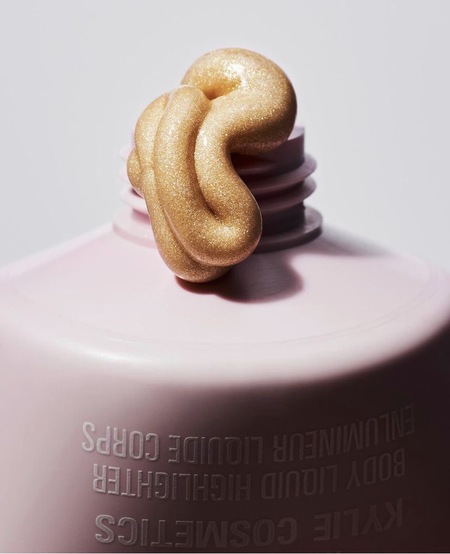
Хайлайтер для тела Kylie Cosmetics Body Liquid Highlighter
У нас сменился администратор сайта, теперь наш сайт будет работать еще лучше! Но нам надо соблюсти небольшую формальность, подтверди, пожалуйста, свои согласия:
Мы используем файлы cookies для улучшения работы сайта и большего удобства его использования. Более подробную информац...
Показать больше
Press space bar to start a drag.
When dragging you can use the arrow keys to move the item around and escape to cancel.
Some screen readers may require you to be in focus mode or to use your pass through key
Press space bar to start a drag.
When dragging you can use the arrow keys to move the item around and escape to cancel.
Some screen readers may require you to be in focus mode or to use your pass through key
Press space bar to start a drag.
When dragging you can use the arrow keys to move the item around and escape to cancel.
Some screen readers may require you to be in focus mode or to use your pass through key
Press space bar to start a drag.
When dragging you can use the arrow keys to move the item around and escape to cancel.
Some screen readers may require you to be in focus mode or to use your pass through key
Press space bar to start a drag.
When dragging you can use the arrow keys to move the item around and escape to cancel.
Some screen readers may require you to be in focus mode or to use your pass through key
Press space bar to start a drag.
When dragging you can use the arrow keys to move the item around and escape to cancel.
Some screen readers may require you to be in focus mode or to use your pass through key
Press space bar to start a drag.
When dragging you can use the arrow keys to move the item around and escape to cancel.
Some screen readers may require you to be in focus mode or to use your pass through key
Press space bar to start a drag.
When dragging you can use the arrow keys to move the item around and escape to cancel.
Some screen readers may require you to be in focus mode or to use your pass through key
Press space bar to start a drag.
When dragging you can use the arrow keys to move the item around and escape to cancel.
Some screen readers may require you to be in focus mode or to use your pass through key
Press space bar to start a drag.
When dragging you can use the arrow keys to move the item around and escape to cancel.
Some screen readers may require you to be in focus mode or to use your pass through key
Press space bar to start a drag.
When dragging you can use the arrow keys to move the item around and escape to cancel.
Some screen readers may require you to be in focus mode or to use your pass through key
Press space bar to start a drag.
When dragging you can use the arrow keys to move the item around and escape to cancel.
Some screen readers may require you to be in focus mode or to use your pass through key
Press space bar to start a drag.
When dragging you can use the arrow keys to move the item around and escape to cancel.
Some screen readers may require you to be in focus mode or to use your pass through key
Press space bar to start a drag.
When dragging you can use the arrow keys to move the item around and escape to cancel.
Some screen readers may require you to be in focus mode or to use your pass through key
Press space bar to start a drag.
When dragging you can use the arrow keys to move the item around and escape to cancel.
Some screen readers may require you to be in focus mode or to use your pass through key
Press space bar to start a drag.
When dragging you can use the arrow keys to move the item around and escape to cancel.
Some screen readers may require you to be in focus mode or to use your pass through key
Press space bar to start a drag.
When dragging you can use the arrow keys to move the item around and escape to cancel.
Some screen readers may require you to be in focus mode or to use your pass through key
Press space bar to start a drag.
When dragging you can use the arrow keys to move the item around and escape to cancel.
Some screen readers may require you to be in focus mode or to use your pass through key